
From Contact Form to CRM: The Minimum Lead Pipeline Every Service Business Should Automate
A practical lead pipeline for service businesses: connect forms, calls, email, CRM records, reminders, follow-ups, and reporting so good leads stop disappearing.
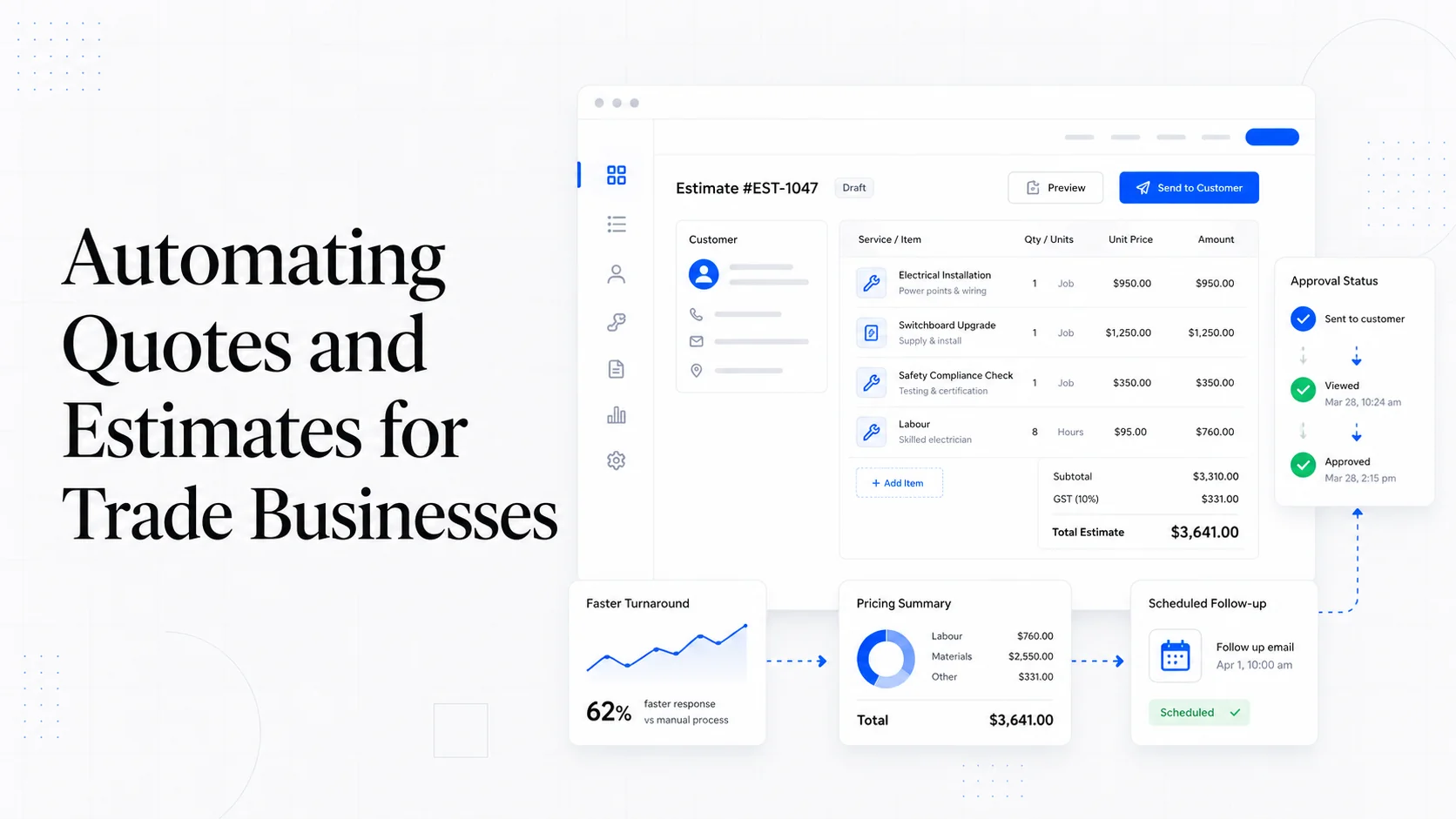
A contact form is not a lead pipeline.
It is the first door.
For many service businesses, the entire "system" behind that door is an email notification sent to the owner, a copy in the website plugin, and maybe a spreadsheet someone remembers to update. That works until the business gets busy, the form email lands in spam, the office manager is out, or nobody remembers to follow up.
Leads do not usually disappear in dramatic ways. They disappear quietly between tools.
The fix is not necessarily a large CRM implementation. The fix is a minimum lead pipeline: a small set of automated steps that make sure every inquiry is captured, routed, followed up, and measured.
What the Minimum Pipeline Needs to Do
At minimum, a service business lead pipeline should:
- Capture the inquiry.
- Store it somewhere reliable.
- Notify the right person.
- Confirm receipt to the customer.
- Create a follow-up task.
- Track status.
- Preserve source information.
- Make reporting possible.
If any of those steps depend on memory, the pipeline is fragile.
The goal is not to automate the relationship. The goal is to automate the handoff so humans can respond faster and better.
Step 1: Fix the Form First
Automation cannot rescue a bad form.
Your form should ask for enough information to route the lead without creating unnecessary friction.
Good baseline fields:
- Name.
- Email.
- Phone.
- Service needed.
- Location or service area.
- Timeline.
- Short message.
- Optional website or project link.
- Consent checkbox if needed.
For some businesses, add a budget range. For emergency services, add urgency. For project-based work, add "What are you trying to change?" For maintenance requests, separate existing clients from new leads.
Make field labels clear. Use real labels, not only placeholders. Show useful errors. Confirm successful submission.
If the form is confusing, you will automate confusion into the CRM.
Step 2: Send Every Lead to a Durable Record
An email inbox is not a database.
Every form submission should create a record in a system designed to hold leads. That could be:
- HubSpot.
- Pipedrive.
- Jobber.
- Housecall Pro.
- ServiceTitan.
- Airtable.
- Notion.
- A custom admin dashboard.
- Even a structured Google Sheet for a very small business.
The tool matters less than the behavior: every inquiry gets a row or record with a timestamp, contact details, service type, source, status, and owner.
Do not rely only on the website CMS storing submissions. That is a backup, not the operating system.
Step 3: Notify the Right Person
The notification should go where the team already works.
Examples:
- Email to sales inbox.
- SMS for emergency service leads.
- Slack or Teams message.
- CRM mobile push notification.
- Assigned task to an estimator.
- Ticket for existing client support.
The notification should include enough context to act:
- Name.
- Service requested.
- Phone.
- Email.
- Location.
- Message.
- Source page.
- Link to CRM record.
Bad notification:
"New form submission."
Good notification:
"New website redesign lead from pricing page: Sarah Jenkins, Richmond VA, wants redesign in 60 days, budget $8k-$12k. Open CRM record."
Context reduces delay.
Step 4: Confirm Receipt to the Customer
The customer should not wonder whether the form worked.
Send an immediate confirmation email:
- Thank them.
- Summarize what was received.
- Set response expectations.
- Provide a phone number if urgent.
- Explain next steps.
- Include a booking link if appropriate.
Example:
"Thanks for reaching out. We received your request about a website redesign and will review it within one business day. If this is urgent, call us at..."
This email does not need to be fancy. It needs to be clear.
For high-intent services, consider adding a booking link on the confirmation page and email:
"Want to skip the back-and-forth? Book a 20-minute fit call here."
Step 5: Create a Follow-Up Task Automatically
A lead without a task is a hope.
Every new lead should create a next action:
- Call within 15 minutes.
- Review request by end of day.
- Send quote within 24 hours.
- Follow up after 2 days.
- Move to nurture if not ready.
The task should have an owner and due date.
This is where small businesses lose the most money. The first response happens, then the second follow-up never does. Or the owner reads the email while driving, means to reply later, and forgets.
Automated tasks create accountability.
Step 6: Track Status
Keep lead status simple.
Suggested statuses:
- New.
- Contacted.
- Qualified.
- Proposal sent.
- Won.
- Lost.
- Unresponsive.
- Not a fit.
Do not create twenty statuses unless the team truly uses them. Simple status tracking lets you see where leads stall.
If many leads are "New" for more than one day, response is the problem. If many are "Proposal sent" and never close, follow-up or pricing may be the problem. If many are "Not a fit," the website may be attracting the wrong audience.
Pipeline data should tell you what to fix.
Step 7: Capture Source Data
Source tracking does not need to be perfect to be useful.
Capture:
- Landing page.
- Page where form was submitted.
- UTM parameters.
- Referrer when available.
- Campaign.
- Device type if useful.
- First-touch source if your analytics supports it.
This helps answer business questions:
- Which service pages generate leads?
- Which blog posts assist leads?
- Which ad campaigns produce qualified inquiries?
- Which sources create low-quality requests?
- Are AI-search-era traffic changes affecting leads or just visits?
We covered measurement in Measuring Website ROI. The pipeline is what makes that measurement operational.
Step 8: Route Existing Clients Differently
New leads and existing client requests should not go to the same pile.
An existing client asking for support, a file upload, a billing question, or a maintenance edit needs a support path. A new lead asking for a quote needs a sales path.
Separate them at the form level:
- "I am a new customer."
- "I am an existing client."
- "I need support."
- "I want a quote."
Then route accordingly.
This reduces confusion and improves response time. It also protects sales reporting from being polluted by support requests.
Step 9: Add Guardrails
Automation should fail visibly.
Add:
- Spam filtering.
- Duplicate detection.
- Required fields.
- Backup email copies.
- Error logging.
- Admin alerts when CRM sync fails.
- A periodic check of form deliverability.
- Test submissions after site updates.
Do not assume the pipeline works forever. Plugins update. API keys expire. CRM fields change. Zapier tasks hit limits. Email deliverability shifts.
Test the path monthly:
- Submit the form.
- Confirm CRM record appears.
- Confirm notification arrives.
- Confirm customer email arrives.
- Confirm task is created.
- Confirm source data is captured.
This five-minute test can save thousands in lost leads.
Tools: Simple Is Fine
You do not need a complex stack.
Common setups:
- Web form to HubSpot with notifications and tasks.
- Web form to Airtable plus email and Slack.
- Web form to Pipedrive plus calendar booking.
- WordPress form to Zapier to CRM.
- Custom Next.js form to database, email, and admin dashboard.
The best tool is the one the team will actually use.
If nobody logs into the CRM, the CRM is not the system. It is a graveyard with nicer filters.
The Minimum Pipeline Checklist
Use this checklist:
- Form fields match the business's qualification needs.
- Form has real labels and clear errors.
- Submission creates a CRM or database record.
- Internal notification includes context.
- Customer receives confirmation.
- Follow-up task is created.
- Lead status is tracked.
- Source page and campaign data are captured.
- Existing clients route separately.
- Failed automations alert someone.
- Pipeline is tested monthly.
If you have all of that, you are ahead of many businesses with much more expensive software.
The Point
The contact form is where interest becomes operational work.
If that handoff is weak, marketing spend leaks. SEO leaks. Referrals leak. AI search visibility will leak too, because better traffic only helps if the business can catch it.
A minimum lead pipeline does not need to be complicated. It needs to be reliable.
Capture the lead. Route it. Confirm it. Follow up. Track it. Improve from the data.
That is the difference between a website that receives inquiries and a website that actually supports sales.
More posts from the blog.
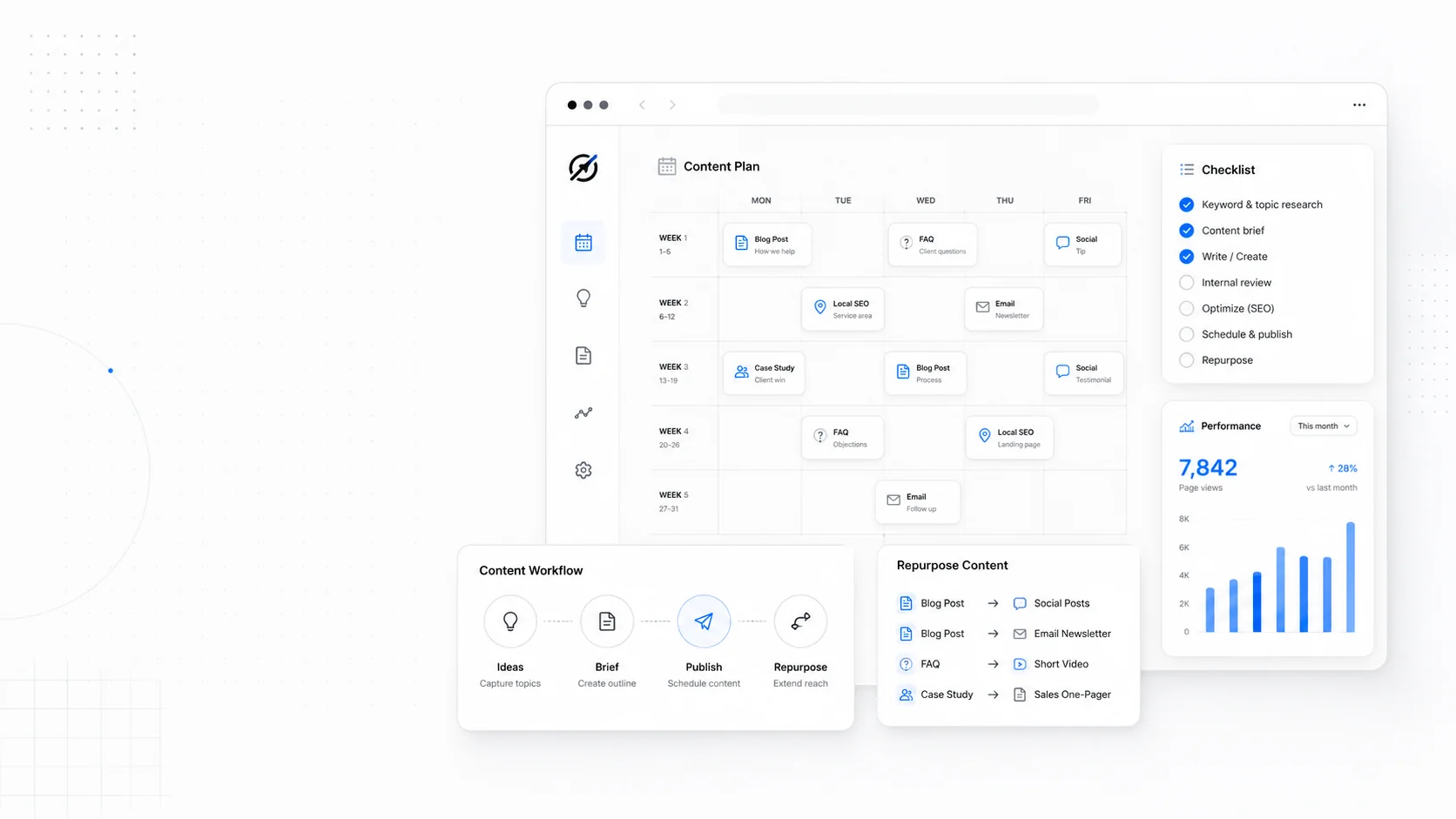
The 2026 Website Content Refresh Playbook: Updating Old Pages Without Breaking SEO
A practical content refresh process for small business websites: how to update stale pages, preserve rankings, improve AI search visibility, and avoid SEO mistakes.
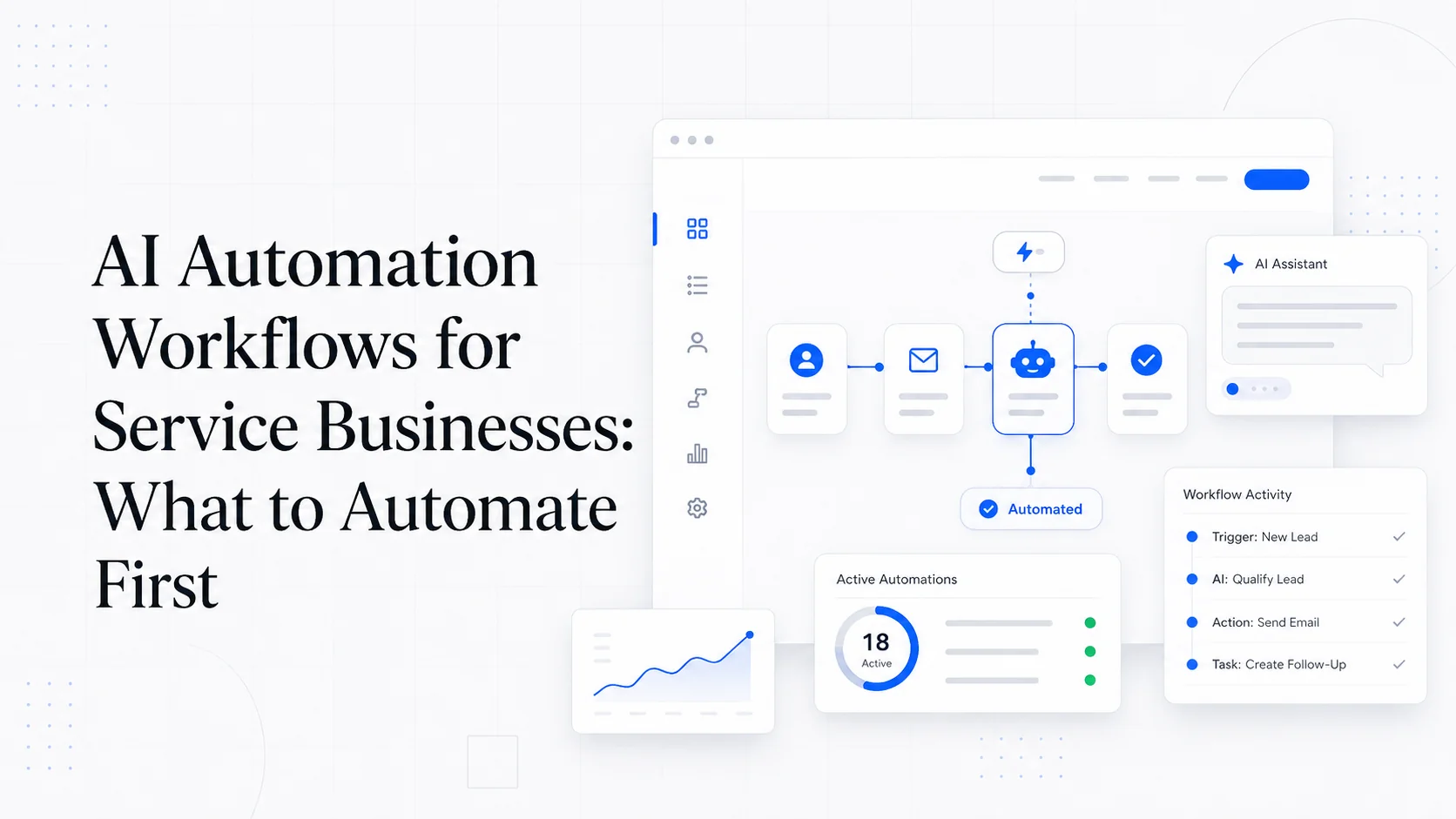
The AI Chat Widget Decision: When It Helps Leads and When It Hurts Trust
AI chat widgets can qualify leads and answer common questions, but they can also slow the site, invent answers, mishandle privacy, and damage trust. Here is how to decide.
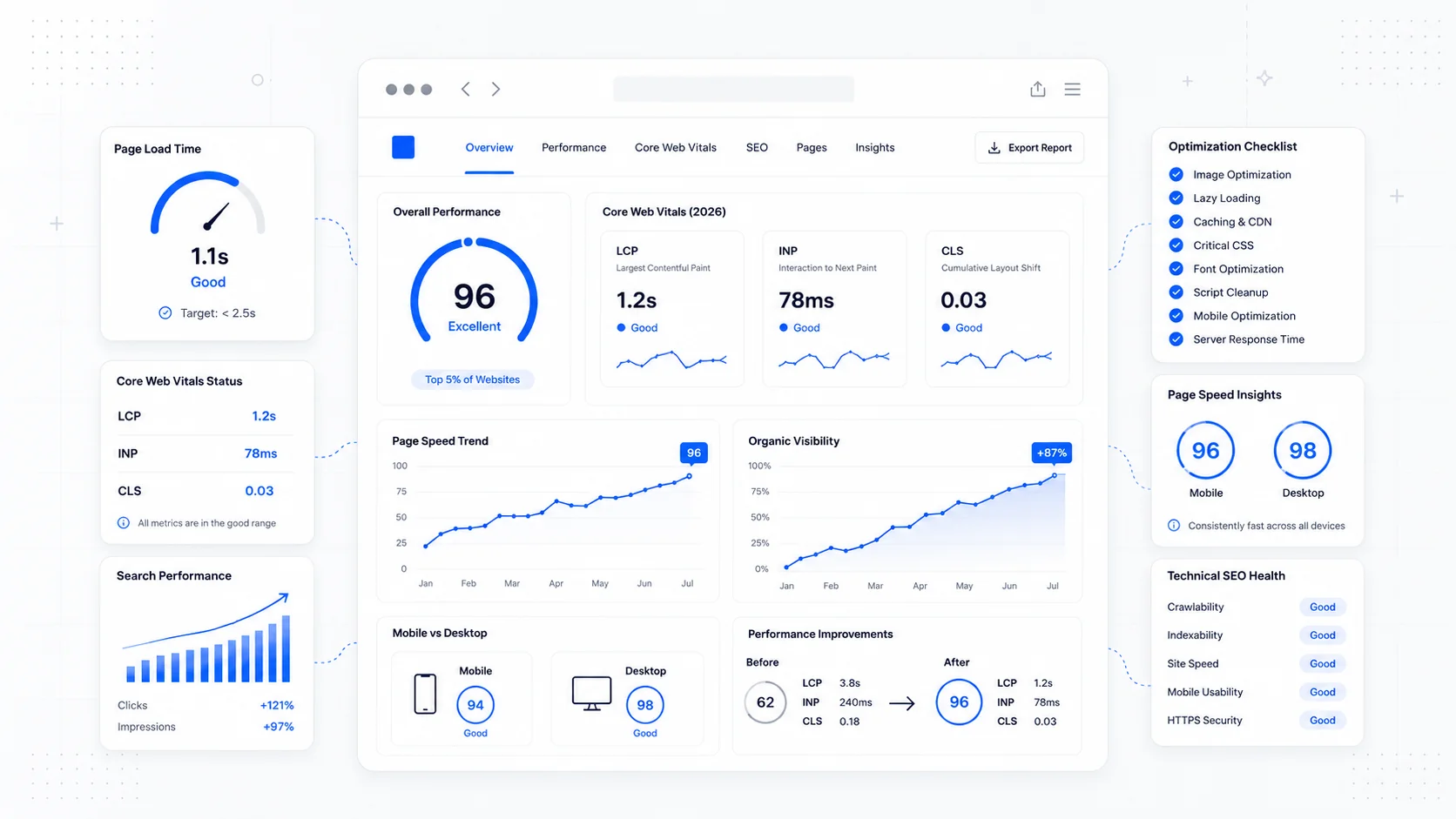
Fast Loads, Slow Clicks: Why INP Is the Performance Metric Business Owners Should Care About
A plain-English guide to Interaction to Next Paint (INP): why fast-loading pages can still feel broken, what causes slow clicks, and how to fix the interactions that cost leads.
Keep reading?
More field notes from building modern websites and software for real businesses.