
The AI Chat Widget Decision: When It Helps Leads and When It Hurts Trust
AI chat widgets can qualify leads and answer common questions, but they can also slow the site, invent answers, mishandle privacy, and damage trust. Here is how to decide.
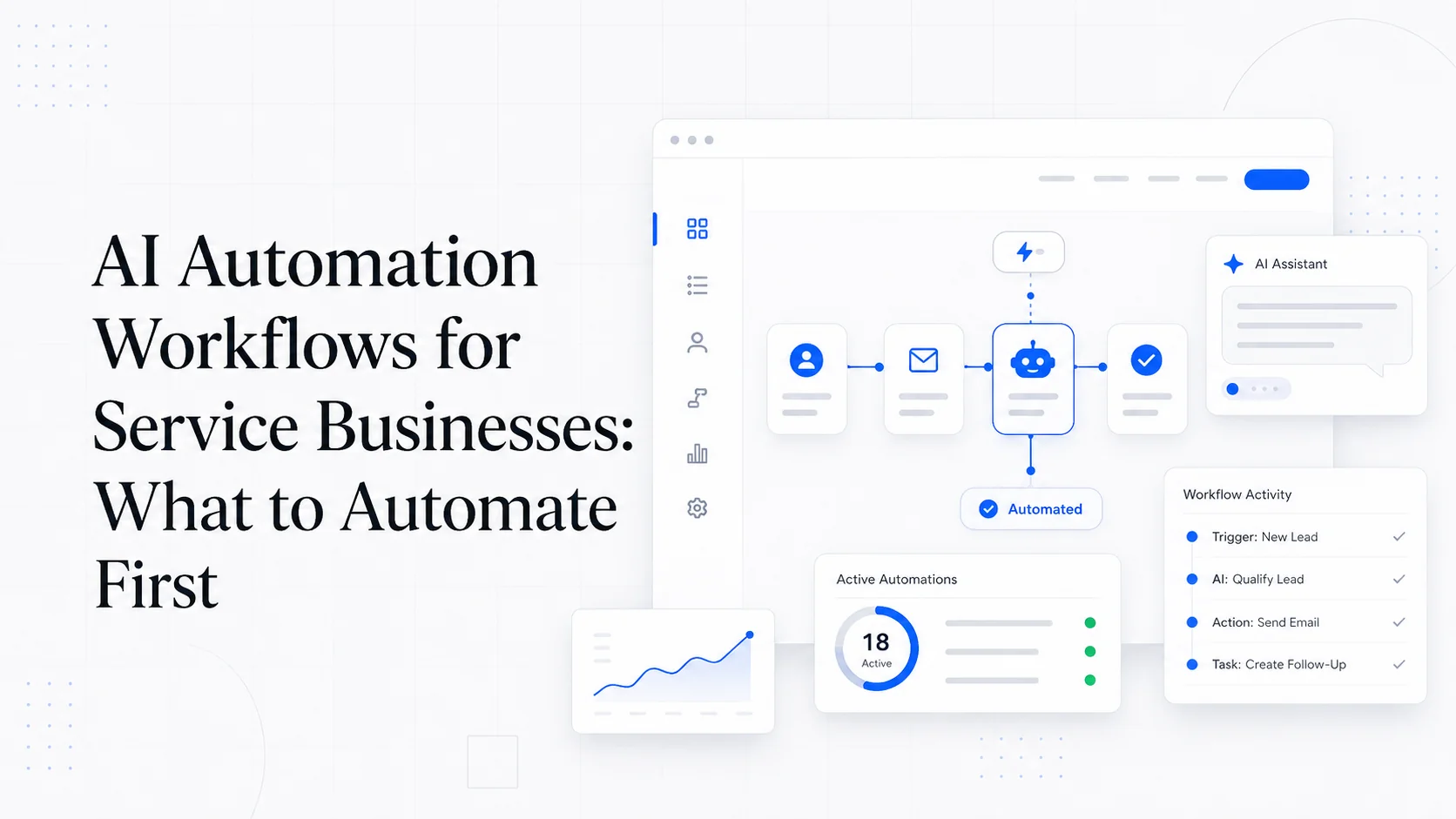
AI chat widgets are easy to sell.
They promise 24/7 answers, better lead capture, fewer repetitive questions, instant qualification, and a modern feel. For a service business that misses calls or gets the same questions every week, that sounds useful.
Sometimes it is.
But a chat widget can also slow the site, interrupt buyers, invent answers, collect sensitive information, cover important buttons, and create a support channel nobody monitors. The fact that the widget uses AI does not remove the operational work. It adds new decisions.
The right question is not "should every website have AI chat?" The right question is "what job would this chat widget do better than the current path?"
Good Reasons to Add AI Chat
AI chat can help when the website receives repeated questions that are answerable from a controlled knowledge base.
Good use cases:
- Answering basic service questions.
- Explaining pricing ranges and what affects cost.
- Helping visitors choose the right service page.
- Collecting lead details after hours.
- Routing support requests from existing clients.
- Pre-qualifying quote requests.
- Sharing booking links.
- Explaining process and timelines.
- Deflecting questions already answered in docs.
The key phrase is "controlled knowledge base." The chat should answer from approved business information, not improvise from the open internet.
For example, a website maintenance company could let chat answer:
- What is included in the care plan?
- How fast are small edits handled?
- Do you support WordPress?
- What happens if the site goes down?
- How do I request support?
Those are stable answers. They can be documented, reviewed, and updated.
Bad Reasons to Add AI Chat
Do not add AI chat because:
- The site feels empty.
- A competitor has it.
- A vendor promised higher conversions.
- The owner wants to look modern.
- The contact form is bad and nobody wants to fix it.
- The service pages are vague and chat is expected to explain everything.
Chat should not be a bandage over unclear content. If visitors need chat to understand what you do, fix the pages first.
AI chat also should not replace professional advice in high-risk contexts. If your business handles legal, medical, financial, safety, or regulated information, the guardrails need to be much stronger. In many cases, chat should collect context and route to a person, not answer substantively.
The Trust Problem
The biggest risk is not that the chat fails. It is that it confidently gives the wrong answer.
Examples:
- It promises same-day service when you do not offer it.
- It quotes a price that is not real.
- It says you serve a location you do not serve.
- It gives technical advice that causes damage.
- It invents a refund policy.
- It tells a customer their request is covered when it is not.
- It collects sensitive details you did not intend to store.
The visitor does not care whether the answer came from a model, a widget vendor, or your website. It appeared on your site. They will treat it as your business speaking.
That means the chat needs boundaries.
Set the Rules Before Launch
Before installing a widget, define:
- What topics it can answer.
- What topics it must refuse.
- What sources it can use.
- What data it can collect.
- What data it must not collect.
- When it should hand off to a human.
- Who receives transcripts.
- How quickly someone responds.
- How answers are reviewed.
- How the knowledge base is updated.
If you cannot answer those questions, the business is not ready for AI chat.
A useful rule: chat can explain published services, pricing ranges, process, hours, and next steps. Chat cannot make promises, diagnose complex issues, provide regulated advice, negotiate custom terms, or guarantee availability.
Design the Handoff
The best AI chat experiences know when to stop.
Good handoff moments:
- The visitor asks for a quote.
- The visitor is angry.
- The visitor asks about an existing account.
- The visitor shares private or sensitive information.
- The visitor asks for a guarantee.
- The question is outside the knowledge base.
- The visitor asks to speak with a person.
The handoff should not be "someone will get back to you" with no context. Capture:
- Name.
- Email or phone.
- Service needed.
- Message.
- Page where chat started.
- Transcript summary.
- Consent if needed.
Then send it somewhere real: CRM, ticket system, shared inbox, or booking flow. A chat transcript sitting inside a vendor dashboard nobody checks is not a lead system.
Do Not Let Chat Hurt the Page
Chat widgets often damage performance and layout.
Check:
- Does it slow page load?
- Does it hurt INP or responsiveness?
- Does it cover mobile CTAs?
- Does it conflict with cookie banners?
- Does it trap keyboard focus?
- Does it announce itself repeatedly to screen readers?
- Does it pop up too early?
- Does it appear on pages where it is not useful?
The widget should not be loaded everywhere by default. For many businesses, chat belongs on service pages, pricing pages, contact pages, and support pages. It may not belong on every blog post.
Measure before and after installation. If the widget costs more leads through friction than it captures through chat, remove it or change how it loads.
Privacy and Data Retention
Chat invites people to type things they might not put in a normal form.
Before launch, decide:
- Are transcripts stored?
- For how long?
- Who can access them?
- Are they used for model training by the vendor?
- Can users request deletion?
- Is sensitive information redacted?
- Does the privacy policy mention chat?
- Are you collecting consent where required?
This matters for every business, and it matters more for businesses that handle health, finance, legal, minors, employment, or personal disputes.
Do not collect information you do not need. Do not let the chat ask for social security numbers, passwords, payment details, private medical details, or account credentials.
What the Chat Should Say
Set expectations clearly.
Good opening:
"I can help with services, pricing ranges, timelines, and booking. For project-specific advice, I can collect details and send them to the team."
Bad opening:
"Ask me anything."
"Anything" is where hallucinations live.
Good fallback:
"I do not have enough information to answer that accurately. I can send this to the team or help you book a call."
Bad fallback:
An invented answer.
Tone matters too. The chat should sound like the business: clear, concise, and useful. It should not pretend to be a human if it is not. It should not use fake typing delays to create false intimacy. It should not pressure visitors.
Measure the Right Things
Chat vendors love engagement metrics. Business owners need outcome metrics.
Track:
- Chat starts.
- Qualified leads from chat.
- Bookings from chat.
- Support tickets deflected.
- Human handoffs.
- Response time after handoff.
- Conversion rate on pages with chat versus without.
- Performance impact.
- Common unanswered questions.
- Bad or corrected answers.
The most useful output may be content strategy. If visitors keep asking the same question in chat, that question belongs on a service page, FAQ, or pricing section.
Chat should improve the website over time, not become a permanent hiding place for missing information.
A Simple Decision Framework
Add AI chat if:
- You have enough traffic or support volume to justify it.
- You have repeated questions with stable answers.
- Your service pages are already reasonably clear.
- You can provide a controlled knowledge base.
- You can monitor handoffs.
- You can handle privacy responsibly.
- You can measure lead quality.
Do not add it yet if:
- Your website is vague.
- Your forms are broken.
- Nobody will monitor transcripts.
- You cannot define allowed topics.
- The service is high-risk and needs expert review.
- The widget slows or blocks conversion paths.
The Better First Step
For many businesses, the better first step is not chat. It is:
- Fix the service pages.
- Shorten the quote form.
- Add pricing guidance.
- Add a booking link.
- Connect forms to a CRM.
- Add better confirmation emails.
- Create a support request path for existing clients.
Once those basics work, AI chat has something solid to support.
AI chat can be useful. It can qualify leads, answer common questions, and capture after-hours demand. But it should be treated like a customer-facing employee with strict training, limited authority, and supervision.
If you would not let an intern invent pricing, policies, and technical advice on a sales call, do not let a widget do it on your website.
More posts from the blog.
From Contact Form to CRM: The Minimum Lead Pipeline Every Service Business Should Automate
A practical lead pipeline for service businesses: connect forms, calls, email, CRM records, reminders, follow-ups, and reporting so good leads stop disappearing.
The 2026 Website Content Refresh Playbook: Updating Old Pages Without Breaking SEO
A practical content refresh process for small business websites: how to update stale pages, preserve rankings, improve AI search visibility, and avoid SEO mistakes.
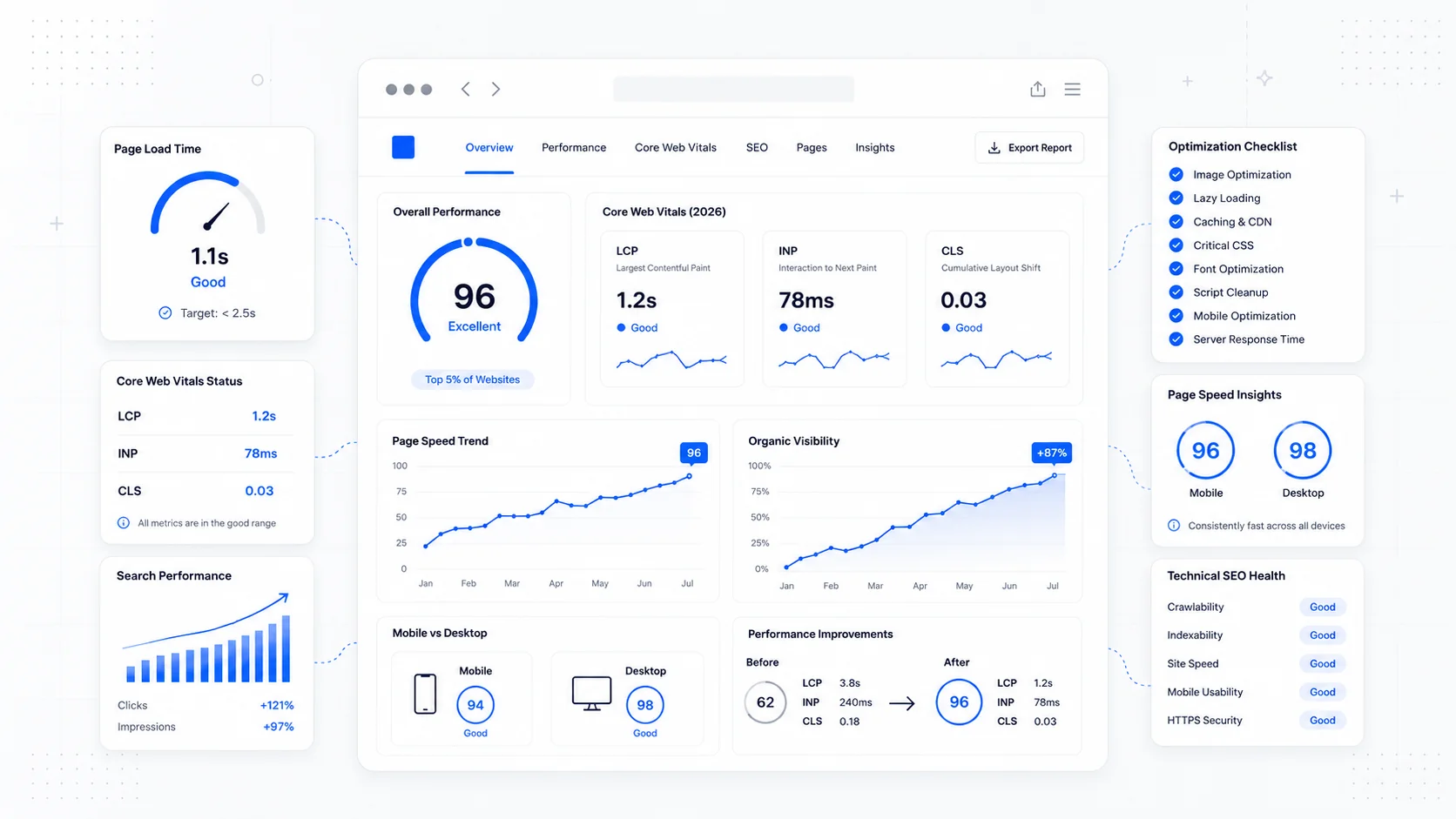
Fast Loads, Slow Clicks: Why INP Is the Performance Metric Business Owners Should Care About
A plain-English guide to Interaction to Next Paint (INP): why fast-loading pages can still feel broken, what causes slow clicks, and how to fix the interactions that cost leads.
Keep reading?
More field notes from building modern websites and software for real businesses.