Your Work, Beautifully Presented
Project galleries, services, and clear local information, designed around your business. Your own website, with a full-screen editor when you want to make changes.
See a customer website (opens in a new tab)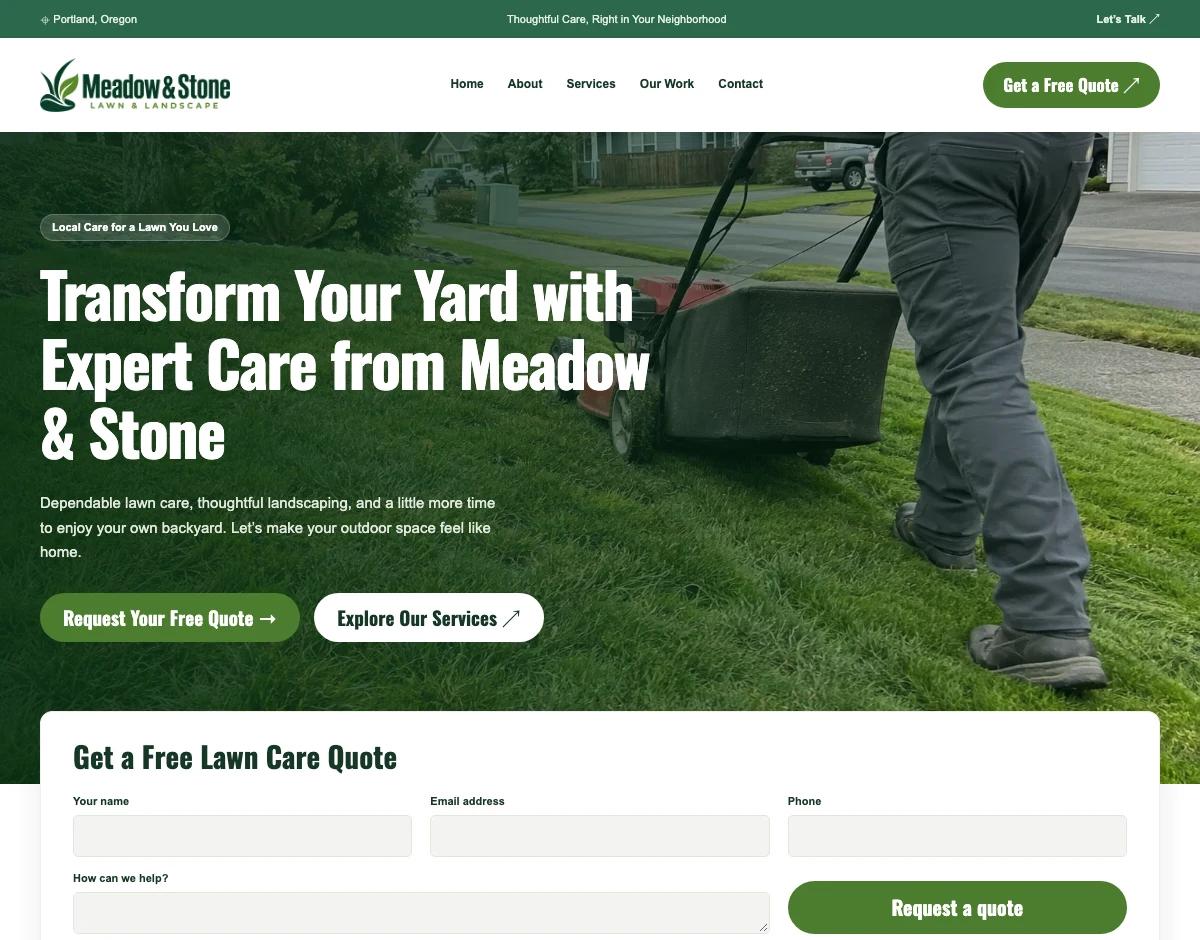

A custom website to bring in the right work. One calm workspace to look after everything that follows.
Free custom build. Review it first. Choose your monthly plan when you’re ready to launch.
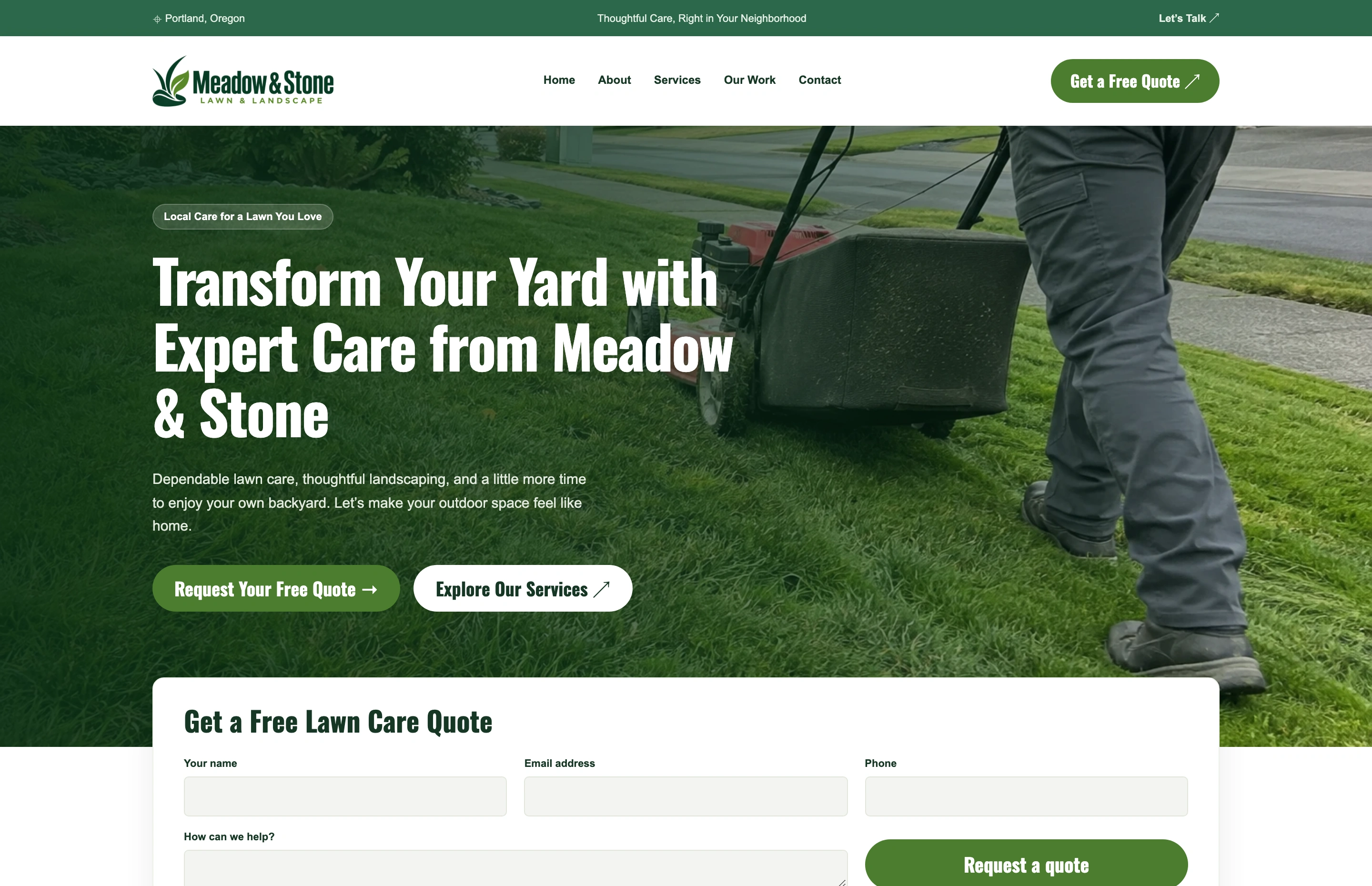
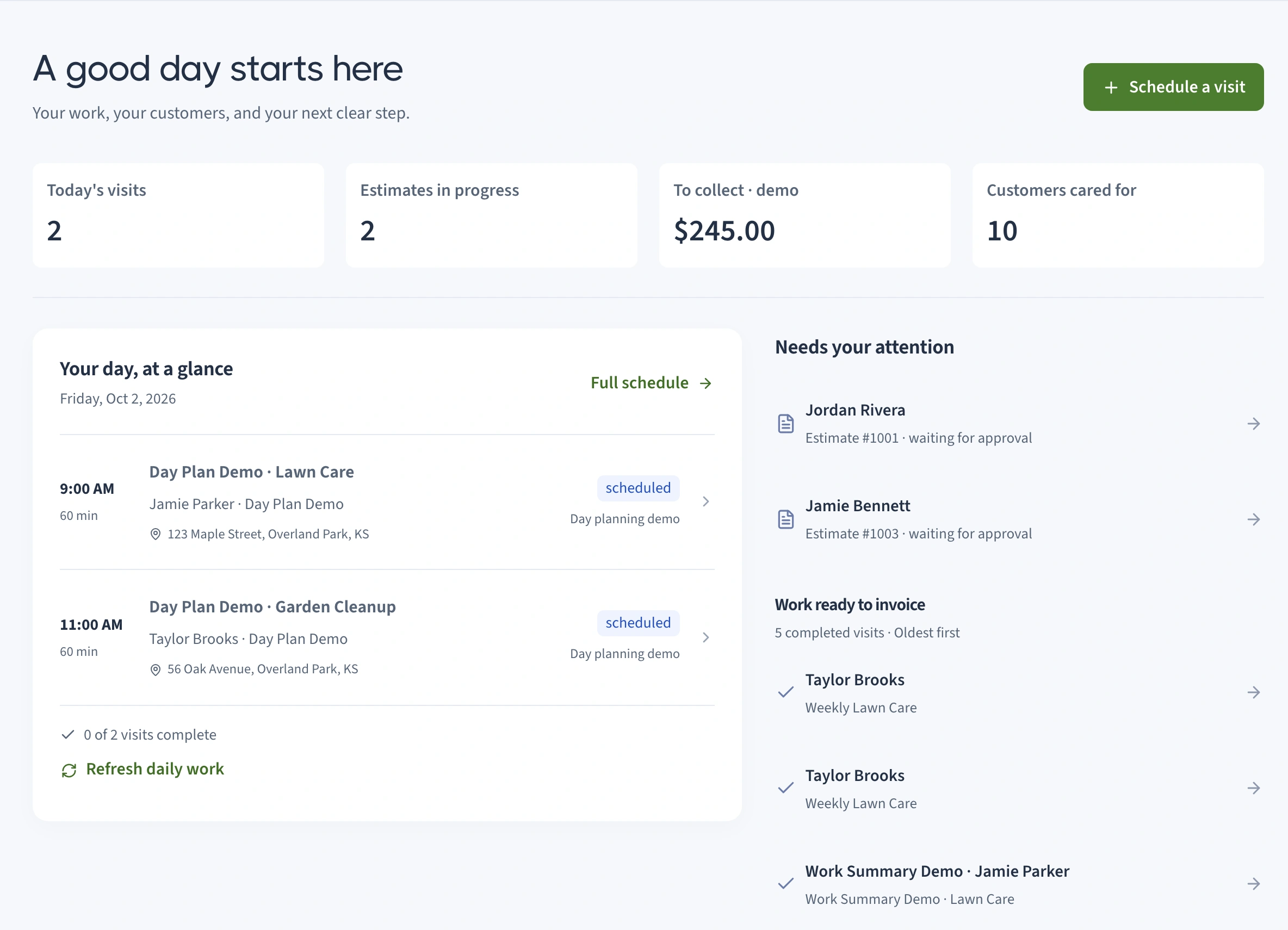
People see your best work. You get a simpler way to manage the requests, properties, and visits it brings in.
Project galleries, services, and clear local information, designed around your business. Your own website, with a full-screen editor when you want to make changes.
See a customer website (opens in a new tab)Collect the service, property details, and best way to follow up. Keep every request in one inbox.
Let customers book a first assessment within your availability and service area. You stay in control of the ongoing work.
Explore what happens after someone gets in touch. Each part connects back to the same customer, property, and visit.
Turn a conversation into a clear scope of work. Build an itemized estimate from your services, share it by email, and let your customer approve or decline from their own page.
See the week ahead, set up recurring maintenance, and arrange your stops for the day. When the weather changes, review the visits you want to move together.
Give your team the details they need at the property. Keep checklists, notes, time, and job photos with the visit, then choose exactly what to share with the customer.
Keep contact details, properties, and history together. Customers get a private page for their visits, estimates, invoices, and additional requests, while email reminders keep the next step clear.
Prepare invoices from completed visits, review monthly billing drafts, and keep expenses tied to the work. See outstanding balances and recorded job costs without digging through separate spreadsheets.
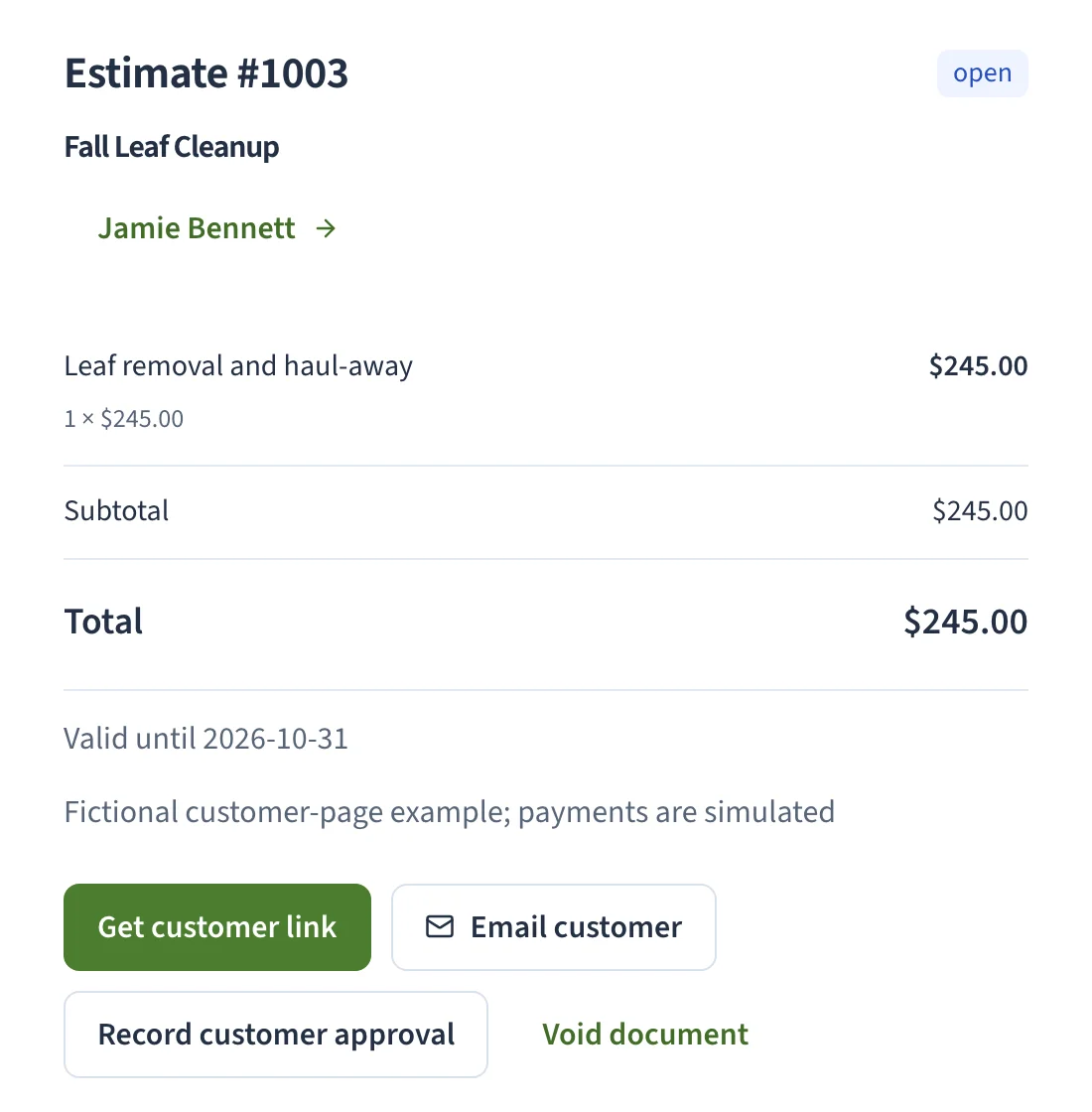
Real screens from our fictional lawn-care demo. Explore the workspace to try them yourself. Payments are simulated in this local demo; live online payments require Stripe setup before launch. We add no transaction percentage, and Stripe processing fees apply when enabled.
A fictional lawn-care business, with example customers, visits, and invoices ready to explore.

Your logo, your colors, your customers. A workspace that feels like your business, with practical tools you can grow into.
You don’t need to figure out the whole system before getting started. Tell us about your business. We’ll create your website, refine it with you, and walk through the tools that fit the way you work.
Get My Free WebsiteNo card or account needed to request your website.
A guided brief about your services, your area, and what you want your website to do.
Explore your custom preview. Send feedback. We’ll work through the details together.
Review your monthly offer for the website and specified business tools before subscribing.
Yes. Tell us about your business, then review your custom website and send feedback. There’s no account or card needed to request it. You see your monthly offer before subscribing to launch; that plan covers the website and the business tools specified in your offer.
Both. Start with the tools you use yourself, then add team access when you need it. Team permissions keep assigned work and customer information appropriate to each role.
Customers can book a first property assessment in the availability and service area you configure. Email verification confirms the booking. Ongoing service work is scheduled by you, so a website visitor can’t automatically commit your crew to a full landscaping job.
The current local demo uses simulated payments. Live online payments require Stripe setup and testing before launch. Sites That Grow will add no percentage to your customer payments; Stripe’s processing fees still apply when enabled. Monthly billing creates drafts for your review rather than automatically charging customers.
The system has email reminders for visits, unanswered estimates, and overdue invoices. You can review the settings and messages. SMS messaging isn’t included in the current system.
Yes. The full-screen editor lets you update your website, with saved history and a feedback flow for help. Reviewed CSV imports support customers, properties, services, and expenses. You can export your business records, too.

A practical local SEO guide for service businesses. Rank in your service area with Google Business Profile, location pages, citations, schema, and reviews.

A practical guide to web form design for small businesses: cut fields, write better errors, use autocomplete, and turn more visitors into qualified leads.
Tell us about your business. We’ll turn it into a website you can see, try, and make your own—free to build, with a monthly plan when you’re ready to launch.
Get My Free WebsiteYour story is a good place to start