Put the Essentials First
Service times, the street address, parking guidance, and contact details should be easy to find on a phone. Visitors shouldn’t have to read your whole history to know when to arrive.

For someone visiting for the first time, a church website is often the first welcome. We help people find the practical details quickly and get a feel for your community before they walk through the doors.
Service times, the street address, parking guidance, and contact details should be easy to find on a phone. Visitors shouldn’t have to read your whole history to know when to arrive.
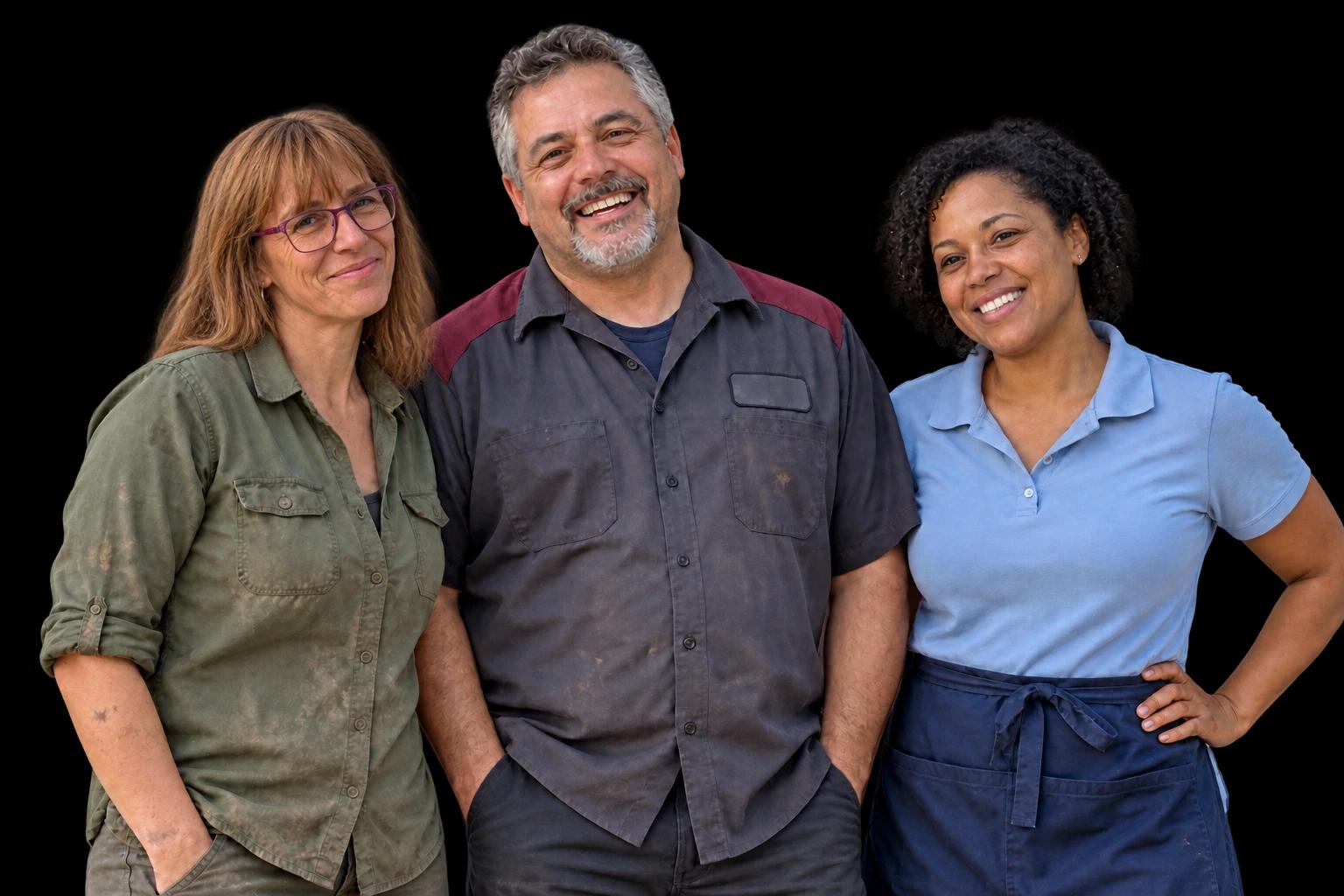
Introduce your leadership, explain what a service is like, and use photographs of your actual community where you have permission. The tone should feel like your church.
Events, seasonal schedules, and ministry information can change regularly. We plan the pages around the people who will maintain them, with clear editing and a place to request help.
We’ll plan the actual page structure with you. These are examples of the information that can help your visitors, with room to adapt the site to your services and goals.
See how we build it togetherService times, directions, accessibility information, and what families can expect.
Your beliefs, story, leadership, and approach to community life.
Useful details about participation, schedules, and the right person to contact.
A home for the resources and contact options your community needs.
Your custom website build is free. We start with your business information, create a working preview, and work through your feedback. You see your monthly offer before subscribing to launch.
What’s included in your monthly planYes. We can discuss how to connect visitors to your existing giving service. Payment processing and a custom donation system are separate from the standard website plan.
Your website includes a visual editor. We’ll discuss who needs access and what they’ll maintain when planning your website and monthly care.
Tell us about your church and the community you serve. We shape the copy and design around your own beliefs and information, rather than assuming a denomination or worship style.

A practical WCAG 2.2 accessibility guide for small business owners: legal landscape, color contrast, keyboard nav, alt text, and what cheap fixes really buy you.

A realistic content strategy for small businesses with no marketing team. Pillar pages, topic clusters, publishing cadence, repurposing, and when to outsource.
Tell us about your business. We’ll turn it into a website you can see, try, and make your own—free to build, with a monthly plan when you’re ready to launch.
Get My Free WebsiteYour story is a good place to start