
The 2026 Website Content Refresh Playbook: Updating Old Pages Without Breaking SEO
A practical content refresh process for small business websites: how to update stale pages, preserve rankings, improve AI search visibility, and avoid SEO mistakes.
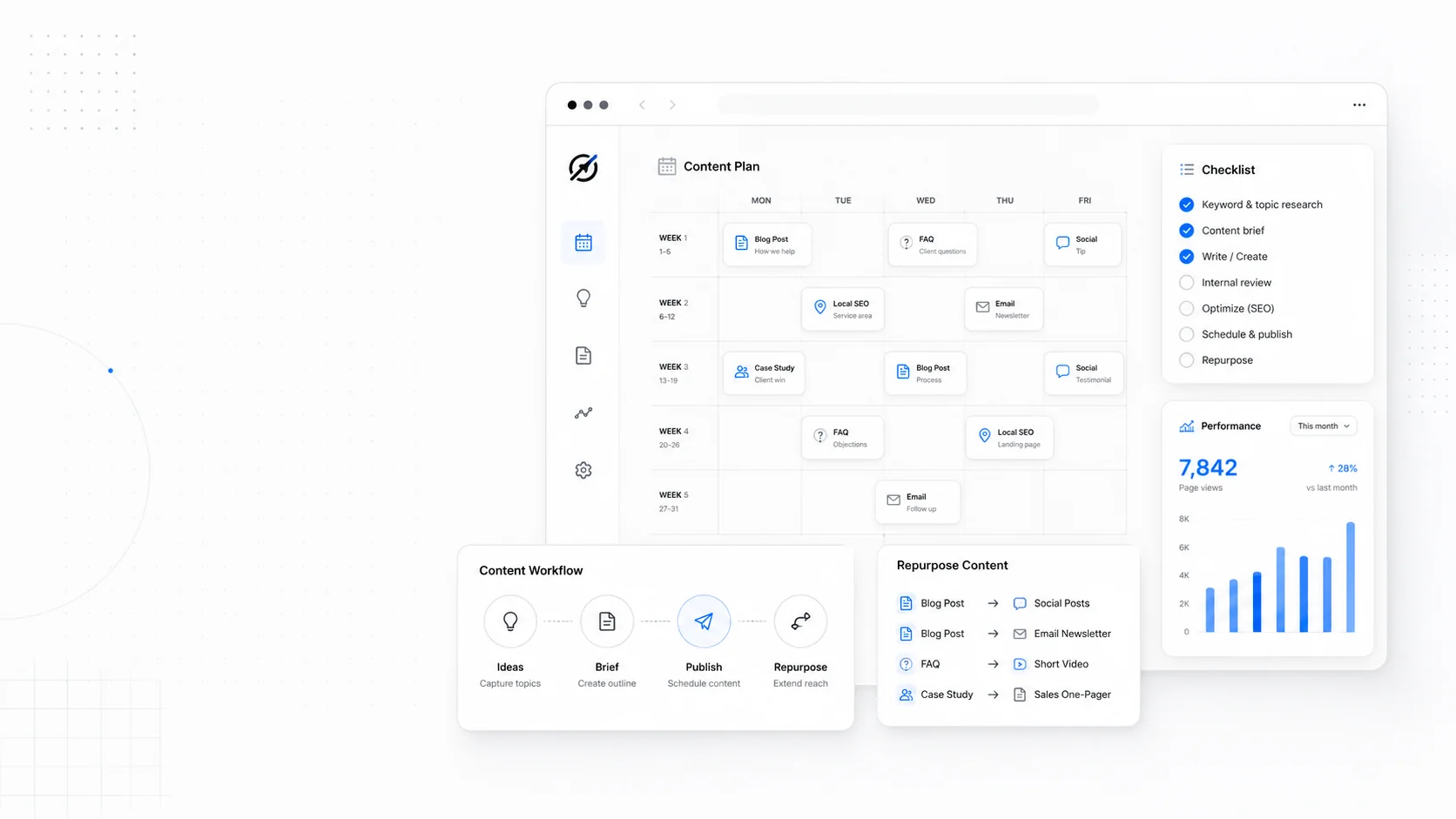
Most business websites do not need more pages as badly as they need better pages.
The service page written three years ago is vague. The pricing post still references last year's numbers. The case study has no outcome. The FAQ answers questions nobody asks anymore. The blog post that used to bring leads now ranks lower than a newer competitor page.
The answer is not always to publish something new. Often, the highest-return move is to refresh what already has history.
A content refresh is not a light copy edit. Done well, it preserves the equity a page has earned while making it more useful, accurate, and conversion-focused.
Done badly, it breaks URLs, removes ranking sections, changes intent, and quietly kills traffic.
Here is the practical playbook.
Step 1: Find Pages Worth Refreshing
Do not refresh randomly. Use data.
Start with:
- Google Search Console.
- Analytics landing page reports.
- CRM or lead source data.
- Sales team questions.
- Customer support questions.
- Internal knowledge of stale offers or pricing.
Look for pages with:
- Declining clicks but steady impressions.
- Good rankings but weak conversion.
- Old dates or outdated claims.
- High traffic and high bounce.
- Strong backlinks but weak content.
- Services that changed since publication.
- Content that ranks for irrelevant queries.
- Pages that AI search could summarize better if they were more specific.
Search Console is especially useful. A page with high impressions and falling click-through rate may need a better title, meta description, intro, or richer answer. A page with declining average position may need updated substance.
Step 2: Identify the Page's Job
Before editing, decide what the page is supposed to do.
Examples:
- Generate quote requests.
- Explain a service.
- Support a sales conversation.
- Rank for local service terms.
- Answer a common buying question.
- Help existing clients.
- Earn links.
- Build topical authority.
This matters because a refresh can accidentally change intent.
If a page ranks because it gives a practical checklist, do not turn it into a sales page. If a page converts because it explains pricing honestly, do not bury the numbers under brand copy. If a page attracts local buyers, do not remove city and service-area context.
The page's job should guide the edit.
Step 3: Preserve What Already Works
Before rewriting, document:
- Current URL.
- Current title tag.
- Current H1.
- Current headings.
- Current top queries.
- Current internal links.
- Current backlinks if available.
- Current conversion paths.
- Current sections that earn traffic.
This avoids the classic refresh mistake: deleting the exact section that was ranking.
For example, a post about website cost may rank for "website maintenance cost" because it has one useful section on monthly care. If the refresh removes that section, the page may lose valuable long-tail visibility.
Refresh with a scalpel, not a bulldozer.
Step 4: Update Facts, Dates, and Examples
Stale content erodes trust.
Update:
- Dates.
- Pricing ranges.
- Tool names.
- Screenshots.
- Product references.
- Legal or compliance references.
- Performance benchmarks.
- Statistics.
- Process descriptions.
- Service availability.
- Internal links.
If a post mentions "new in 2024," rewrite it. If a service page says "we are launching soon," fix it. If a screenshot shows an old dashboard, replace it or remove it.
For AI search, freshness is not only the publication date. It is whether the content reflects current reality. A page that includes outdated claims is a poor source.
Step 5: Add the Missing Buying Questions
The best refreshes answer the questions real buyers ask before they contact you.
For a service page, add:
- Who this is for.
- Who this is not for.
- What is included.
- What is not included.
- Typical timeline.
- Pricing range or price drivers.
- What the business needs from the customer.
- Risks and tradeoffs.
- Next steps.
For a blog post, add:
- A clearer definition.
- A decision framework.
- Examples.
- Mistakes to avoid.
- When to hire help.
- Links to related services.
- A practical checklist.
AI search makes this more important because systems may use query fan-out: related questions around the main query. A refreshed page should cover the real cluster, not only the exact keyword.
Step 6: Improve Structure
Refreshing content is not only writing more words.
Improve:
- H1 and H2 clarity.
- Shorter paragraphs.
- Better section order.
- Summary near the top.
- Tables or lists where useful.
- Descriptive link text.
- Better image alt text.
- Internal links to related pages.
- Calls to action placed after decision points.
Do not make the page longer just to look thorough. Make it easier to use.
For AI search and human scanning, headings matter. A page with clear sections is easier to summarize, easier to navigate, and easier to trust.
Step 7: Strengthen Proof
A refreshed page should include proof that did not exist when the page was first written.
Add:
- Recent testimonials.
- Case study links.
- Before-and-after details.
- Screenshots.
- Photos.
- Metrics.
- Process examples.
- Customer quotes.
If you have done the work since the original page was published, show it.
Generic claims weaken over time. Specific evidence gets stronger.
Step 8: Keep the URL Stable
Avoid changing URLs unless there is a strong reason.
Changing a URL means:
- Redirects.
- Internal link updates.
- Possible ranking volatility.
- Possible analytics confusion.
- Possible broken external links if redirects are missed.
If the existing URL is reasonable, keep it.
If you must change it:
- Create a 301 redirect from old to new.
- Update internal links.
- Update sitemap.
- Check canonical tags.
- Monitor Search Console.
- Keep the old URL redirecting indefinitely.
The URL is part of the page's history. Do not throw that away casually.
Step 9: Re-Submit and Monitor
After publishing:
- Request indexing for important pages in Search Console.
- Confirm the page is crawlable.
- Check the live URL.
- Test forms and CTAs.
- Watch impressions, clicks, and average position.
- Watch leads from that page.
- Compare the next 30, 60, and 90 days.
Do not judge a refresh after two days. Search systems need time, and buyer behavior varies.
Also watch for unintended drops. If a page loses visibility for an important query, compare the old and new versions. You may have removed or weakened the section that matched that intent.
What Not to Do
Avoid these refresh mistakes:
- Changing the URL without a redirect.
- Rewriting around a different intent.
- Removing useful sections because they feel repetitive.
- Adding generic AI-written filler.
- Updating the date without updating the substance.
- Replacing specific examples with brand language.
- Removing internal links.
- Forgetting mobile layout.
- Forgetting conversion paths.
- Ignoring pages that generate leads but not huge traffic.
The goal is not to trick Google into thinking the page is new. The goal is to make the page newly useful.
A Simple Refresh Calendar
For most small business sites:
- Monthly: update one high-value page.
- Quarterly: review top service pages.
- Quarterly: review top 10 organic landing pages.
- Twice a year: update pricing and process pages.
- Yearly: audit every core page for stale claims.
If the business changes quickly, do it more often. If the site is small, this is manageable.
A content refresh program is one of the simplest ways to compound SEO without publishing endless new posts.
The Practical Takeaway
Old pages are assets. Treat them that way.
A page that has been crawled, linked, ranked, shared, and visited has history. If the topic still matters, improving that page may outperform writing a brand-new one.
In 2026, refresh work is also AI-search work. Clearer pages with current facts, better structure, stronger proof, and real buying answers are easier for humans to trust and easier for AI search systems to use.
Do not let useful pages decay. Update them before they become liabilities.
More posts from the blog.
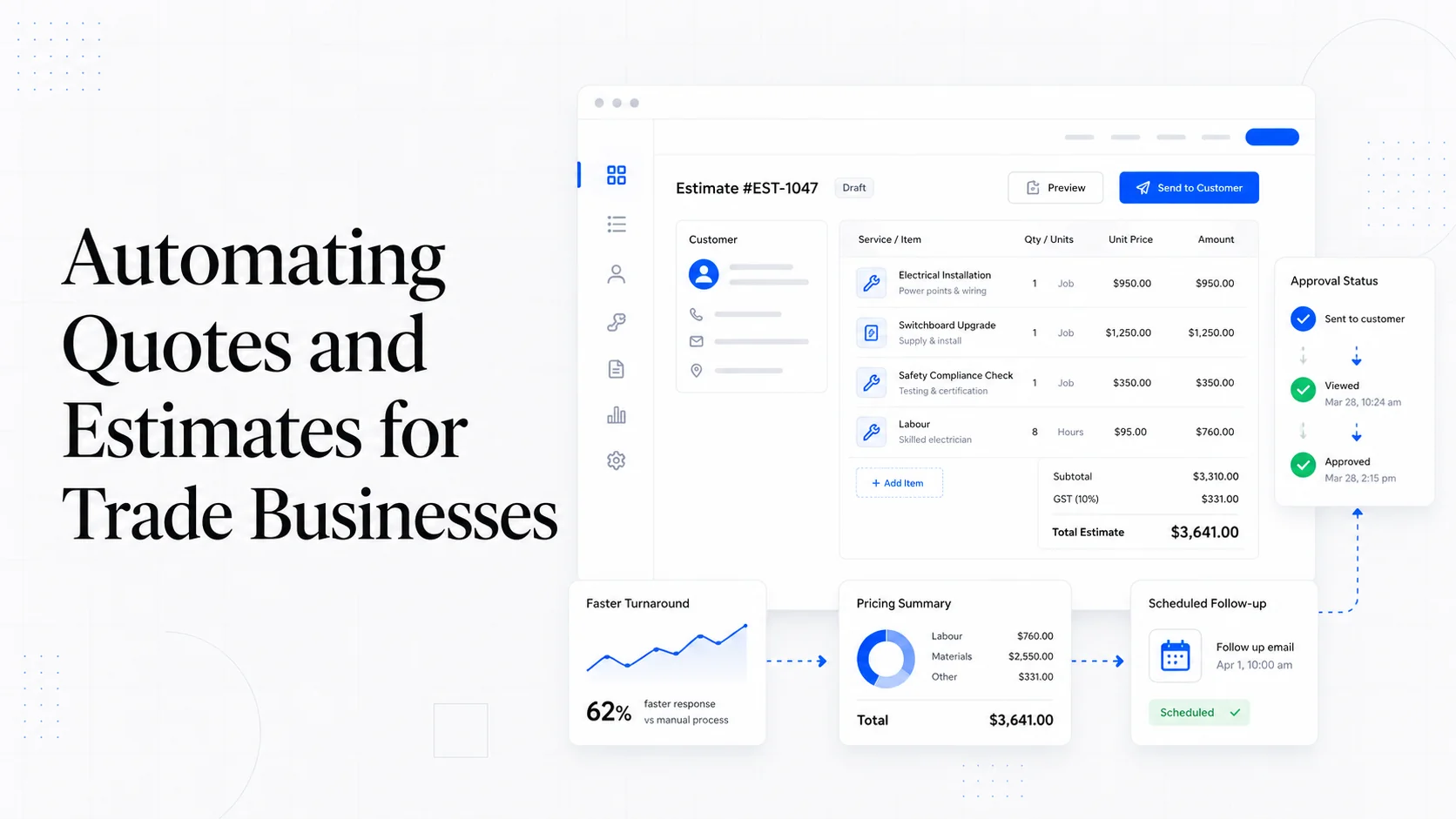
From Contact Form to CRM: The Minimum Lead Pipeline Every Service Business Should Automate
A practical lead pipeline for service businesses: connect forms, calls, email, CRM records, reminders, follow-ups, and reporting so good leads stop disappearing.
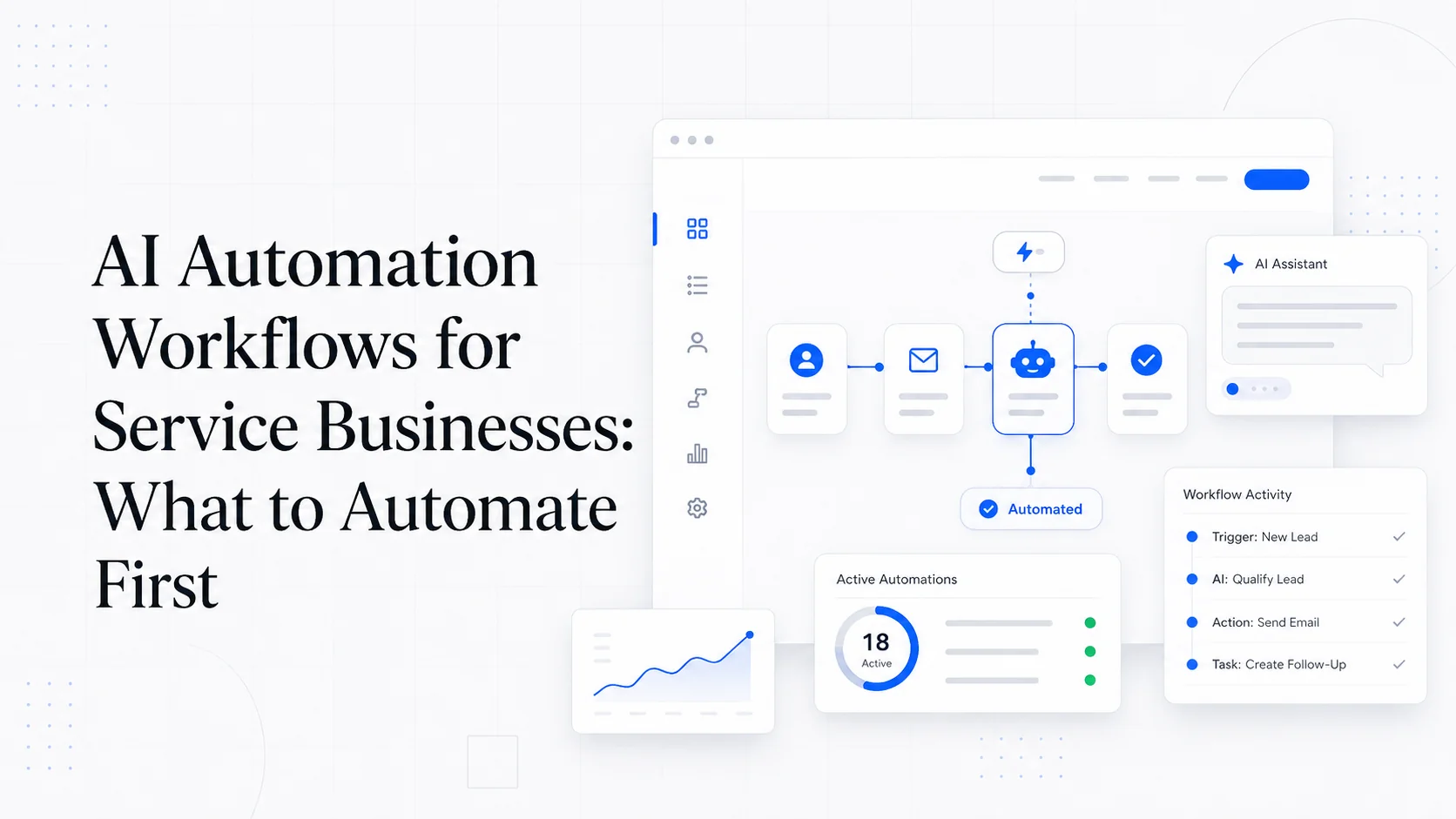
The AI Chat Widget Decision: When It Helps Leads and When It Hurts Trust
AI chat widgets can qualify leads and answer common questions, but they can also slow the site, invent answers, mishandle privacy, and damage trust. Here is how to decide.
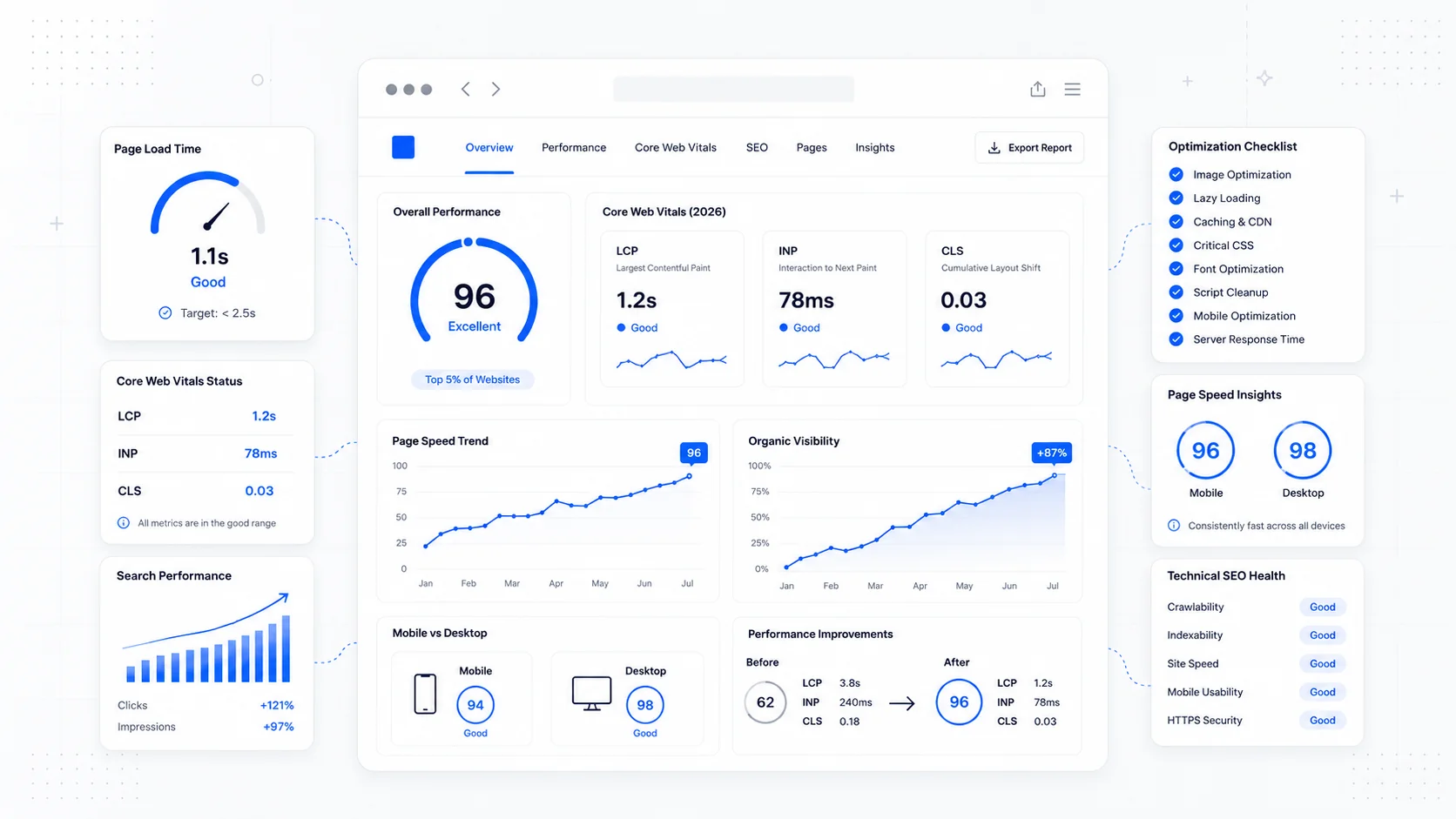
Fast Loads, Slow Clicks: Why INP Is the Performance Metric Business Owners Should Care About
A plain-English guide to Interaction to Next Paint (INP): why fast-loading pages can still feel broken, what causes slow clicks, and how to fix the interactions that cost leads.
Keep reading?
More field notes from building modern websites and software for real businesses.