
Building an Internal Dashboard for Your Business: The Honest Tradeoffs
Retool vs Metabase vs Looker vs custom — query performance, role-based access, and the moment when canned reports stop being enough for your team.
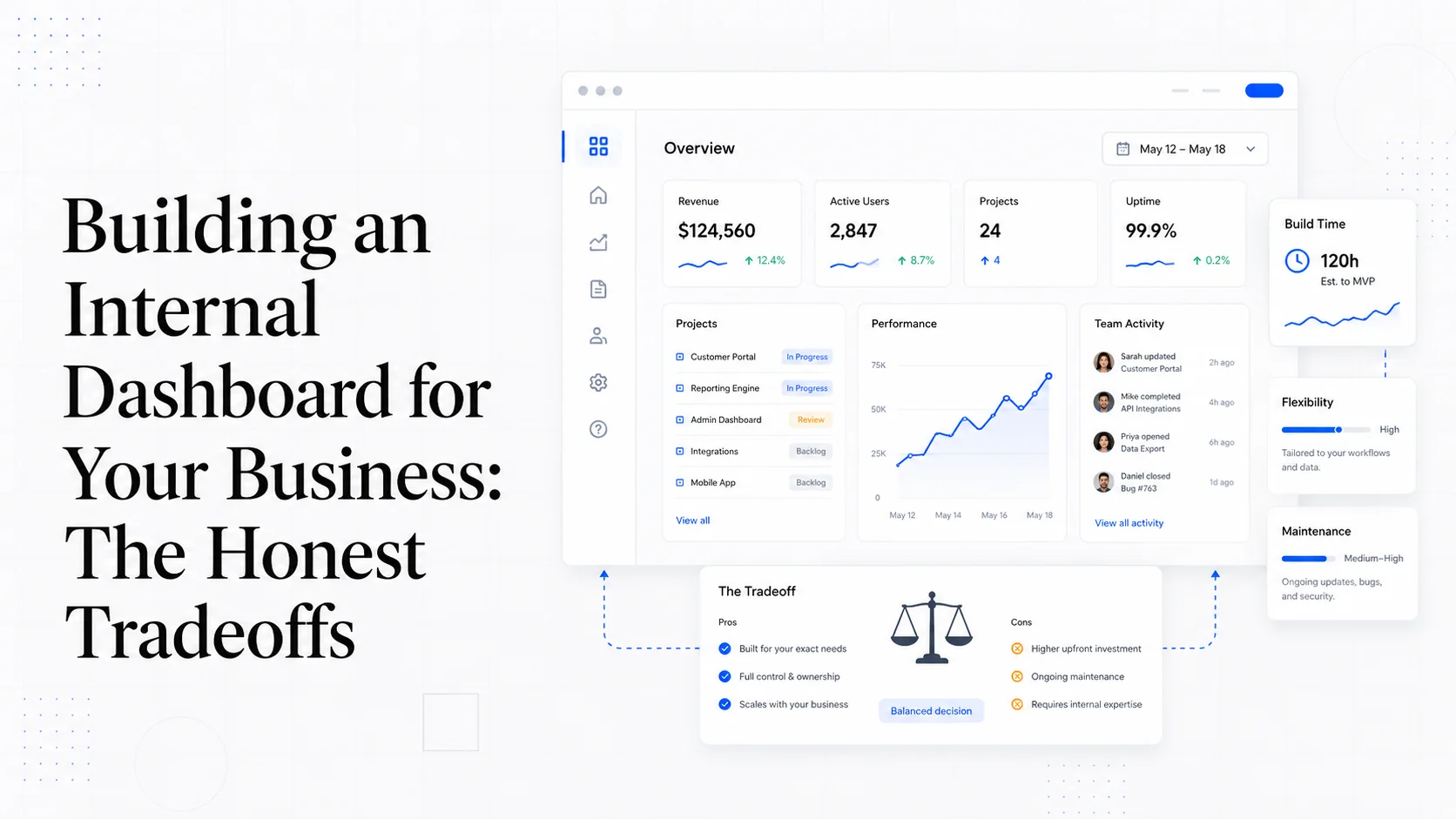
Every growing business hits the same wall around year two. The owner wants a single screen with the numbers that matter — bookings, revenue, pipeline, utilization, margin by service. The accountant has one report. The ops manager has another. The marketer has a third. Three separate tools, three different definitions of "active customer," and a quarterly meeting that opens with 20 minutes of arguing about whose number is right.
That is the moment internal dashboards become urgent. The tooling is excellent in 2026 — Retool, Metabase, Looker, Hex, Mode, and the option to build something custom on top of Postgres and a modern frontend. The tradeoffs between them are real, and the right answer depends on who is going to use the dashboard and how complex the underlying data actually is.
This post is the honest comparison. No vendor cheerleading, no "it depends" hand-waving, just the patterns we see across 50+ small business builds.
What Internal Dashboards Actually Have to Do
The phrase "internal dashboard" covers three very different needs, and confusing them is the most common reason these projects fail.
Reporting dashboards answer questions about the past. Revenue last month, conversion rate this quarter, top customers by lifetime value. The data is read-only, the latency tolerance is high (overnight refresh is fine), and the audience is usually leadership.
Operational dashboards show what is happening right now and let people act. Open jobs, today's appointments, pending approvals, stuck orders. The data has to be fresh (seconds to minutes), and users need to click through to take action.
Analytical dashboards let someone explore data freely. Slice by region, drill into a cohort, build an ad-hoc segment. The audience is small (analysts, the founder), but the flexibility requirement is high.
Almost every "we need a dashboard" conversation is actually about one of these three. The tools that win for one usually lose for the others.
Metabase: The Right Default for Reporting
For most small businesses, Metabase is the cheapest, fastest path to a useful reporting dashboard. The open-source version is genuinely free and self-hostable, the cloud version is reasonably priced, and the SQL-friendly query builder lets non-engineers build their own questions without learning the full SQL syntax.
Metabase wins when:
- The data lives in a single Postgres or MySQL database (or a data warehouse like Snowflake or BigQuery).
- The audience is comfortable with charts and tables, not custom UI.
- Most questions can be answered with a SELECT statement.
- You want non-engineers to build their own questions over time.
- Self-hosting is acceptable to keep costs low.
The limitations show up when you need write actions (Metabase is read-only by default, though Metabase Actions helps), embedded dashboards in a customer-facing product, or anything resembling a custom UI for operations work.
The weakness most people miss: query performance. Metabase generates SQL based on the user's clicks, and that SQL is sometimes terrible. On a database with a few hundred million rows, a poorly-shaped Metabase query can lock up the database for everyone else. This is solvable with read replicas and query timeouts, but it is the failure mode that catches teams by surprise. The official Postgres EXPLAIN documentation is the right primary reference for diagnosing slow queries.
Retool: The Right Default for Operational Tools
Retool is the opposite of Metabase. It is built for operational dashboards where users need to take action — approve a refund, mark a job complete, send a manual email. The drag-and-drop UI builder, native database and API connectors, and per-user permissions make it the fastest way to build internal admin tools without writing a frontend from scratch.
Retool wins when:
- You need read AND write actions (CRUD on database records, calling internal APIs, triggering background jobs).
- The audience is internal staff who need a custom UI.
- You want to ship in days, not weeks.
- Your queries are well-defined and don't need ad-hoc exploration.
- The team will iterate on the tool as the business changes.
The limitations are the per-user pricing (Retool gets expensive past 20 seats), the lock-in (everything you build is a Retool artifact), and the ceiling on UI complexity. For genuinely complex flows — multi-step wizards, custom interactive visualizations, mobile-friendly internal apps — Retool starts to fight you.
Appsmith and Tooljet are open-source alternatives in the same category. They have caught up significantly in the last two years and are worth evaluating if Retool's pricing is the blocker.
Looker and the Enterprise Tier
Looker (now part of Google Cloud) is the heavyweight option, and it usually does not make sense for businesses under $10M ARR. The strength is the LookML modeling layer — you define your business logic (what is "revenue," what is "active customer") in one place, and every chart and dashboard pulls from that consistent definition.
For a business where 30 people across 5 departments need to query data and arrive at the same numbers, Looker is unmatched. For a business with 5 people and one definition of revenue, Looker is overkill.
Other options in the same category: Tableau, Sigma, Hex for the analytical-notebook style, and Mode for SQL-first analysts. Each has its niche. The choice usually depends on whether your team is more SQL-comfortable (Mode, Hex), more business-user-comfortable (Sigma, Looker), or somewhere in between (Tableau).
When Custom Becomes the Right Answer
Custom dashboards are not the default. They become the right answer in specific cases:
The dashboard is part of the product. If you are showing customers their data — billing usage, project status, performance metrics — you cannot use Retool or Metabase. You need a custom UI built into your application.
The data sources are unusual. When the dashboard has to pull from your CRM, your billing engine, your custom internal database, and three external APIs, custom code handles this more cleanly than off-the-shelf tools. We covered this pattern in building an API-first business.
Performance matters at scale. When you have millions of rows and need sub-second response times, the answer is usually pre-aggregated tables, materialized views, and a custom query layer. Off-the-shelf tools can do this, but the optimization story is your problem.
The UI requirements are specific. Some dashboards need custom interactions — drag-and-drop scheduling, map-based views, real-time updating tickers. Off-the-shelf tools either don't support this or make it ugly.
Cost at scale. Beyond a certain size, the per-user pricing of Retool or the enterprise pricing of Looker exceeds the cost of building and maintaining a custom dashboard. The crossover is usually 30–50 active users, depending on the platform.
For most builds, the right pattern is custom UI for customer-facing or operationally critical dashboards, and Metabase for the long tail of internal reports.
Query Performance: The Thing People Underestimate
The single biggest reason dashboards die in production: queries get slow as the data grows.
A dashboard that loads in 200ms on 10,000 rows takes 30 seconds on 10 million rows. That is the difference between a tool people use daily and a tool that gets abandoned within a quarter. The patterns that prevent this:
Indexes on the columns you filter and join on. This is the obvious one and the most commonly skipped. The Postgres index documentation covers the basics, and tools like pg_stat_statements tell you which queries are slow.
Materialized views for expensive aggregations. If "revenue by month by product" requires scanning a billion rows of orders, compute it once a night and serve from the materialized view. Refresh on a schedule using pg_cron or a similar scheduler.
Read replicas for analytics queries. Don't run dashboard queries against your production database. Spin up a read replica (or a dedicated analytics database via PgBouncer) so that a slow report doesn't block customer-facing requests.
Caching at the dashboard layer. Most dashboards don't need real-time data. A 5-minute cache on the chart data layer cuts database load by 90 percent without anyone noticing.
Query timeouts. Set them, both at the database level and the application level. A runaway query that locks the database is worse than a chart that fails to load.
If your dashboard takes more than 3 seconds to load on average, users will stop checking it. That is the threshold to optimize against, regardless of what tool you chose.
Role-Based Access Control That Actually Works
Internal dashboards expose business-critical data, and the access model matters. The patterns we see work:
Role-based, not user-based. Define roles (admin, ops, sales, finance, read-only) and grant permissions to roles. Assign users to roles. Adding a new staff member becomes a one-click change.
Row-level security at the database. Postgres RLS and Supabase's row-level security helpers let you enforce data access at the database itself, not just the UI. This is non-negotiable for any dashboard exposing customer data.
Audit logs for sensitive actions. Every refund, every record edit, every export of PII — log it with who, what, when. The OWASP logging cheat sheet is the right reference for what to capture and how to store it.
Two-factor authentication. For any dashboard with revenue or customer data, 2FA is table stakes. WebAuthn is the modern standard and has good support in Auth0, Supabase, and most identity providers.
Single sign-on at scale. Once the team has more than 10 dashboard users, SAML or OIDC SSO into the dashboard saves real time and reduces the surface for credential theft.
A dashboard without proper access control is a breach waiting to happen. Build it in from day one.
When Reports Stop Being Enough
The signal that you have outgrown reporting and need operational dashboards: people start exporting reports to spreadsheets to take action on them.
If the sales manager is exporting the Metabase pipeline report to Excel every morning to reassign accounts, that is a custom dashboard waiting to happen. If the finance lead is downloading the AR aging report and emailing customers manually, that is a custom dashboard waiting to happen.
The pattern is consistent: the moment a dashboard becomes a starting point for manual work rather than the end of the answer, it is time to build the next layer. That is usually the moment Retool, a custom tool, or an addition to your existing app becomes the right move. The longer take is in our post on internal business tools that pay for themselves in six months.
Hybrid Stacks That Work
The most resilient pattern we ship for small businesses:
- Metabase for the long tail of reporting questions. Cheap, flexible, anyone can build a chart.
- Custom dashboard for the 5 metrics the founder checks every day. Brand-quality, fast, mobile-friendly.
- Retool or custom internal tool for ops actions — approving refunds, reassigning jobs, processing exceptions.
- Postgres read replica for analytics so dashboard load doesn't impact production.
- dbt or scheduled SQL jobs for data transformations so the underlying numbers are consistent.
This stack scales from a 5-person team to a 50-person team without rearchitecting. The pieces are loosely coupled, replaceable, and each one earns its place.
Action Items
- Decide which kind of dashboard you actually need: reporting, operational, or analytical. Most failed builds confuse these.
- Start with Metabase if you don't have one yet. It is free, fast to set up, and good enough for 80 percent of reporting needs.
- Add Retool when staff start exporting reports to act on them. That is the operational signal.
- Build custom only when the dashboard is part of the product, the data sources are unusual, or the cost at scale demands it.
- Treat query performance as a first-class concern. Indexes, materialized views, read replicas, caching — pick the ones that fit your data shape.
- Implement role-based access and audit logging from day one. Adding them later is painful.
- Set query timeouts on every connection. The slow query that locks the database is always the one you didn't expect.
Sites That Grow builds custom software, including internal dashboards and operational tools that fit the way your team actually works. If your team is exporting reports to act on them, we can help you scope what to build next.
More posts from the blog.

From Contact Form to CRM: The Minimum Lead Pipeline Every Service Business Should Automate
A practical lead pipeline for service businesses: connect forms, calls, email, CRM records, reminders, follow-ups, and reporting so good leads stop disappearing.

The 2026 Website Content Refresh Playbook: Updating Old Pages Without Breaking SEO
A practical content refresh process for small business websites: how to update stale pages, preserve rankings, improve AI search visibility, and avoid SEO mistakes.

The AI Chat Widget Decision: When It Helps Leads and When It Hurts Trust
AI chat widgets can qualify leads and answer common questions, but they can also slow the site, invent answers, mishandle privacy, and damage trust. Here is how to decide.
Keep reading?
More field notes from building modern websites and software for real businesses.