
Custom Software and AI Automation
Internal tools, workflow automations, AI-assisted processes, and integrations built around the way your service business actually operates.
Businesses losing time to manual processes, disconnected tools, repeated admin work, slow follow-up, or software that does not match how the team actually operates.
Scoped per project
The problems this solves.
- Leads, forms, emails, and requests need manual triage.
- Staff copy data between tools every day.
- Follow-up depends on memory instead of a reliable workflow.
- Reporting or status visibility is trapped in spreadsheets.
- You want AI help, but only where it can be controlled and reviewed.
What should be better after the work.
Repeated steps can run with fewer copy-paste tasks, reminders, and handoffs.
Lead intake, follow-up, summaries, routing, and internal alerts can happen faster and more consistently.
The system is designed around your workflow instead of forcing your workflow into generic software.
Everything that’s in the scope.
- Workflow discovery and automation opportunity review
- Process mapping across your current tools
- Custom internal tool, dashboard, or integration build
- AI-assisted workflow design where it improves speed or consistency
- Human approval points for higher-risk steps
- Secure data handling and audit-friendly logs
- Documentation, training, and iteration support
How we work together.
We identify the repeatable work, decide what should be automated, and build the simplest reliable system to support it. AI is used where it meaningfully improves speed, quality, or consistency.
What affects cost and timeline.
- Number of tools and systems involved
- Workflow complexity and decision rules
- Whether AI is only drafting/summarizing or making routing decisions
- Need for custom dashboards, databases, or admin screens
- Security, logging, human approval, and failure-handling requirements
- Amount of testing needed before automation touches live customers
The full picture.
Automation should remove friction, not create a new mess
Automation is useful when it supports a clear workflow. It is risky when it tries to patch a process nobody has defined.
The best custom tools and AI workflows usually start with repeated admin work: leads that need triage, emails that need summaries, quotes that need follow-up, files that need organization, or records that need to move between systems.
For examples of practical starting points, read AI Automation Workflows for Service Businesses.
AI is best used with boundaries
AI can summarize, draft, classify, extract, and suggest. It should not blindly make high-risk business decisions without review.
Good AI automation usually includes:
- Clear triggers.
- Structured inputs.
- Human approval for sensitive outputs.
- Logs of what happened.
- Fallbacks when confidence is low.
- A way to improve the workflow after real use.
That approach makes automation useful without pretending it is magic.
Custom tools should support the real process
Some teams need a dashboard. Some need a better intake form. Some need a background integration that never shows up as an app. The right solution depends on where the repeated work actually happens.
We map the workflow before building so the system supports the business instead of becoming another tool people avoid.
Related case studies.
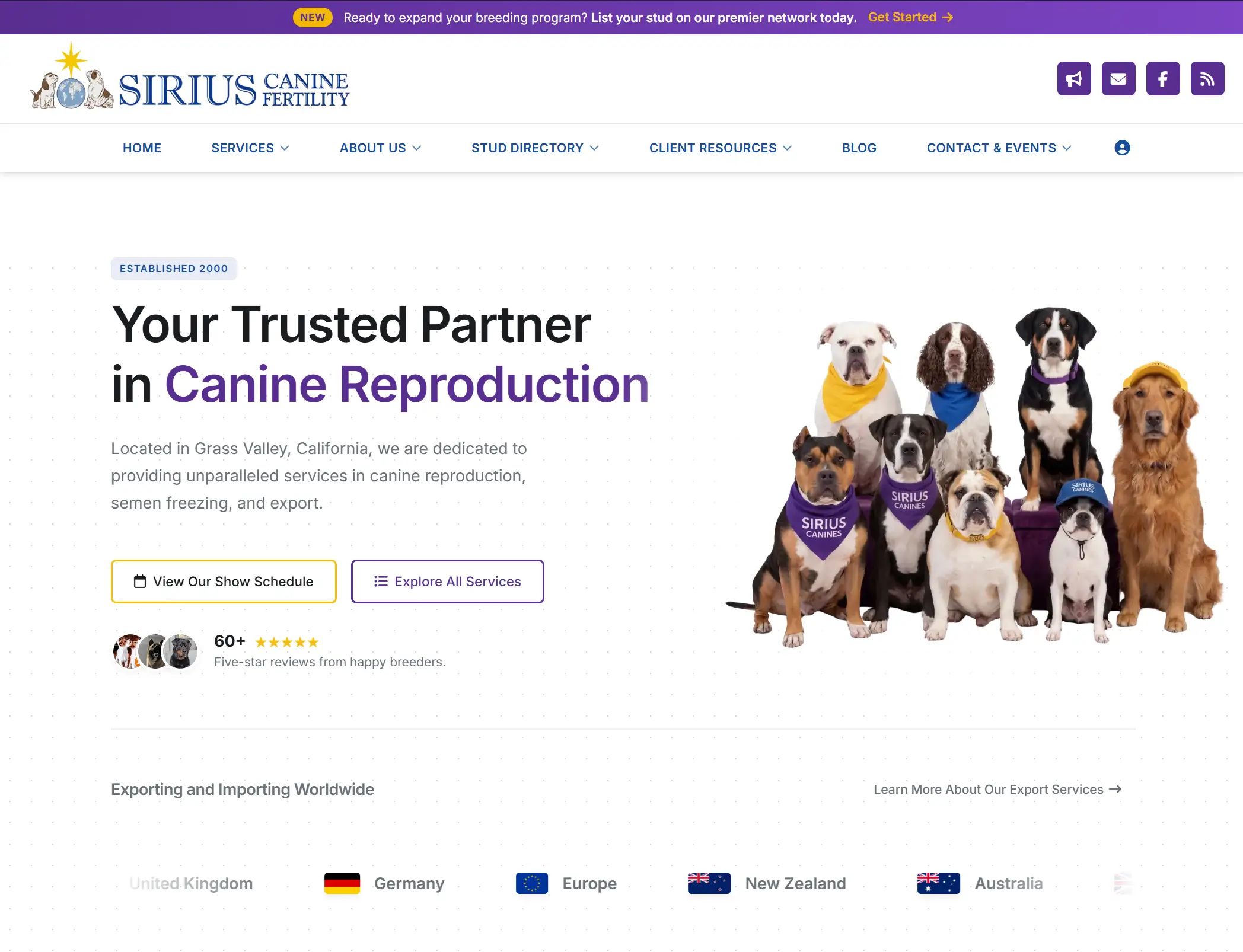
Sirius Canine Fertility
A complete website rebuild, service-page SEO overhaul, and custom customer dashboard for a canine fertility and semen storage facility with inventory, shipment, collection, PDF, and admin workflows built around the business.
View case study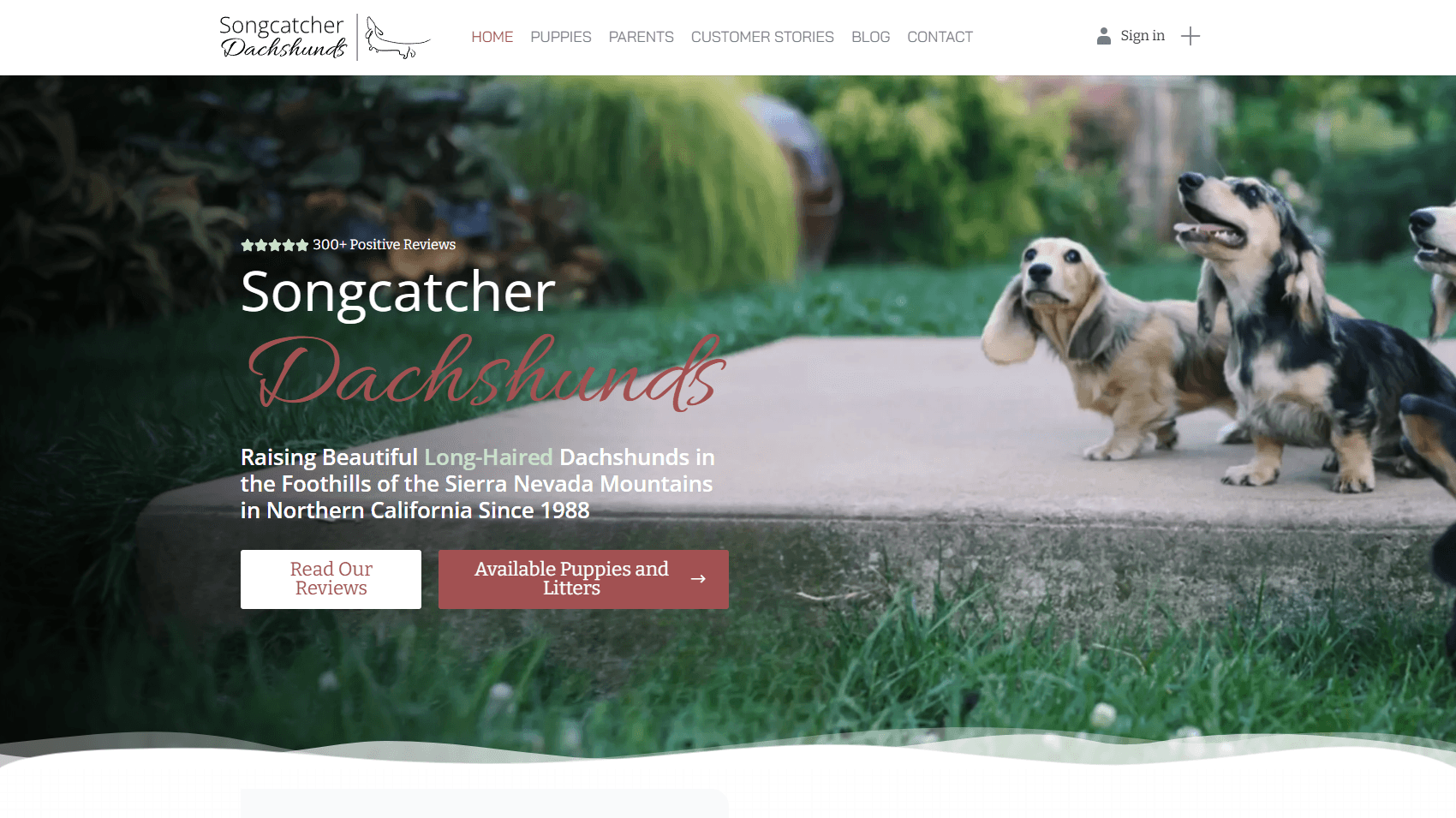
Songcatcher Dachshunds
A full website rebuild for a multi-decade dachshund breeder — paired with a custom puppy management system, automatic Facebook posting for new litters, and a built-in owner community where past puppy families share updates and reviews.
View case study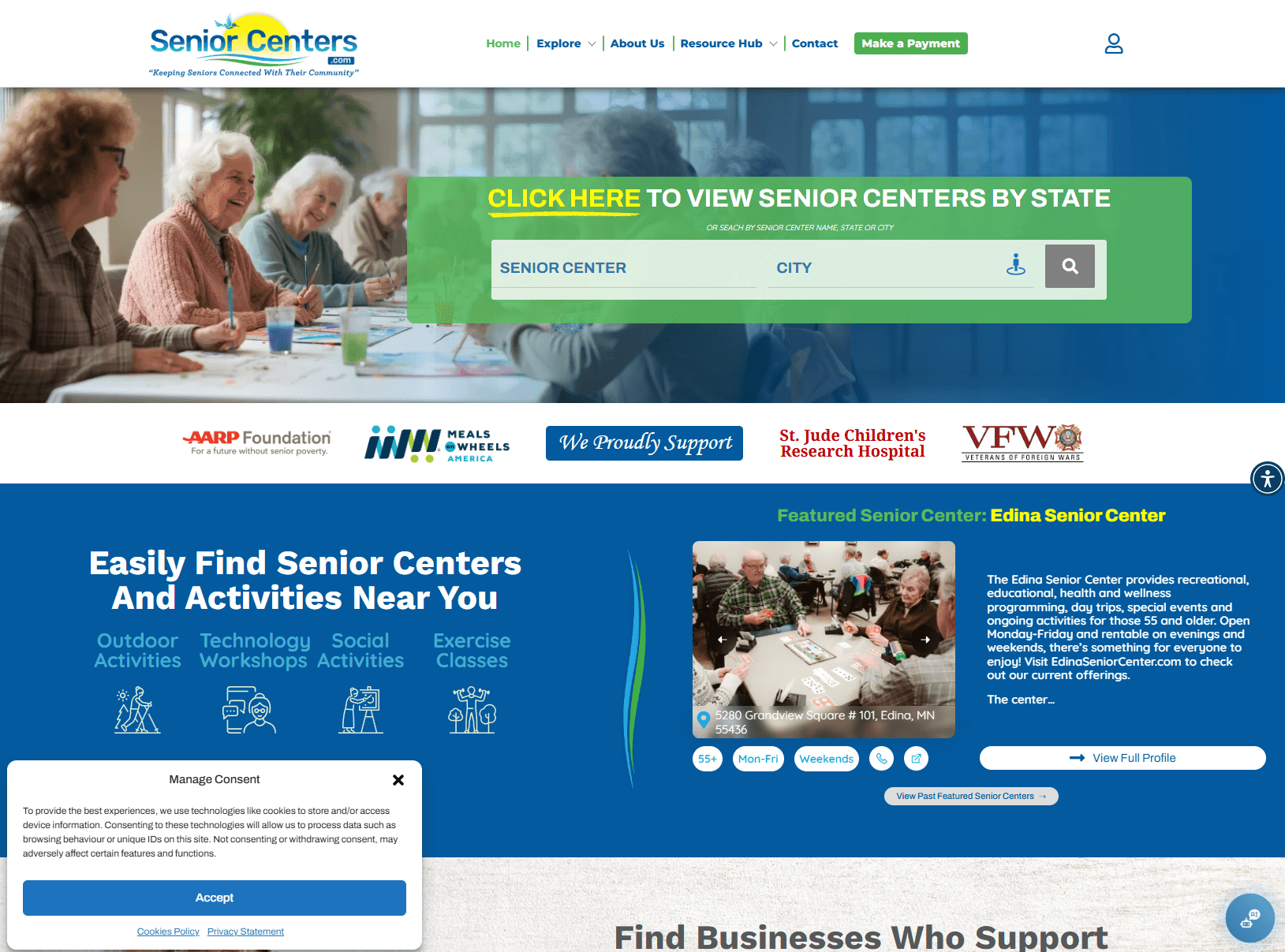
SeniorCenters.com
A two-year SEO and product build for a senior services directory — grew organic traffic to a peak of 30,000+ visitors per month, sustained at 15,000–20,000 monthly. Includes a custom billing dashboard, online payments, and a purpose-built ad management system for advertisers.
View case studyKeep exploring the topic.
Questions buyers usually ask.
What should I automate first?
Start with high-frequency, low-risk workflows near revenue: lead intake, quote follow-up, review requests, email summaries, internal reminders, or moving form data into the right system.
Will AI talk directly to customers?
It can, but that is not always the best first step. Many strong automations use AI internally for summaries, classification, drafts, and routing while a human approves anything sensitive.
Can this integrate with my current tools?
Usually. Automations can connect websites, CRMs, email platforms, payment tools, spreadsheets, databases, Slack, calendars, and custom admin systems depending on access and API support.
How do you keep automation from creating mistakes?
Good workflows include logs, error handling, human approval for risky steps, fallback paths, and clear rules for when automation should stop and ask for review.
Ready to get started?
Tell us about your project. We’ll come back with a clear plan and an honest timeline.