
Client Portals and Web Apps
Custom client portals, private dashboards, and web applications for service businesses that need better request intake, customer workflows, files, payments, and internal visibility.
Businesses that need more than a website: customer dashboards, admin tools, inventory workflows, request systems, private files, approvals, or business-specific software.
4-10+ weeks depending on scope
The problems this solves.
- Clients keep asking for status updates that could be self-served.
- Requests arrive through too many channels and lose important details.
- Files, approvals, invoices, or records are scattered across tools.
- Off-the-shelf software does not fit the way the business actually works.
- Staff are manually copying information between systems.
What should be better after the work.
Requests, files, approvals, and status updates can live in one workflow instead of across email, texts, and spreadsheets.
Clients get a clear place to submit, approve, upload, pay, and check progress.
Staff can see the right data, reduce duplicate entry, and manage repeatable work with less friction.
Everything that’s in the scope.
- Workflow and data planning before design starts
- User roles, permissions, and dashboard structure
- Client-facing and admin-facing interface design
- Database-backed application build
- Authentication and secure access control
- Forms, files, requests, statuses, and notifications
- Testing, launch, documentation, and iteration support
How we work together.
We map the workflow first, then design the smallest useful version of the portal or app. The build focuses on clear data, secure access, and interfaces that make repeated work easier.
What affects cost and timeline.
- Number of user roles and permission rules
- Depth of workflow logic, statuses, approvals, and notifications
- Database complexity and data migration needs
- Integrations with payments, CRM, email, calendars, or external tools
- Whether the portal is client-facing, internal-only, or both
- Security, audit, and reporting requirements
The full picture.
A portal should make repeated client actions easier
Some business problems need software, not another page on the website. A client portal or web app can centralize requests, records, dashboards, files, payments, inventory, or customer-specific information.
The best portals are not big for the sake of being big. They are focused. They take a repeated workflow that currently creates delays and make it easier for clients and staff to complete.
For a deeper decision guide, read Custom Client Portal for Service Businesses.
Common portal features
Useful portal features often include:
- Secure login.
- Client profiles.
- Request forms.
- Project or job status.
- File uploads.
- Quotes and approvals.
- Invoice/payment links.
- Internal admin views.
- Notifications.
- Searchable records.
The first version does not need every feature. It needs the right feature set for the workflow that costs the business the most time.
Client-facing and internal software can grow together
A portal often has two sides: what the client sees and what the team manages. The client may only need a simple status page and upload form, while the team needs assignment, notes, internal statuses, files, and reporting.
That split matters. The best portal protects clients from internal complexity while giving staff the structure they need to work faster.
Related case studies.
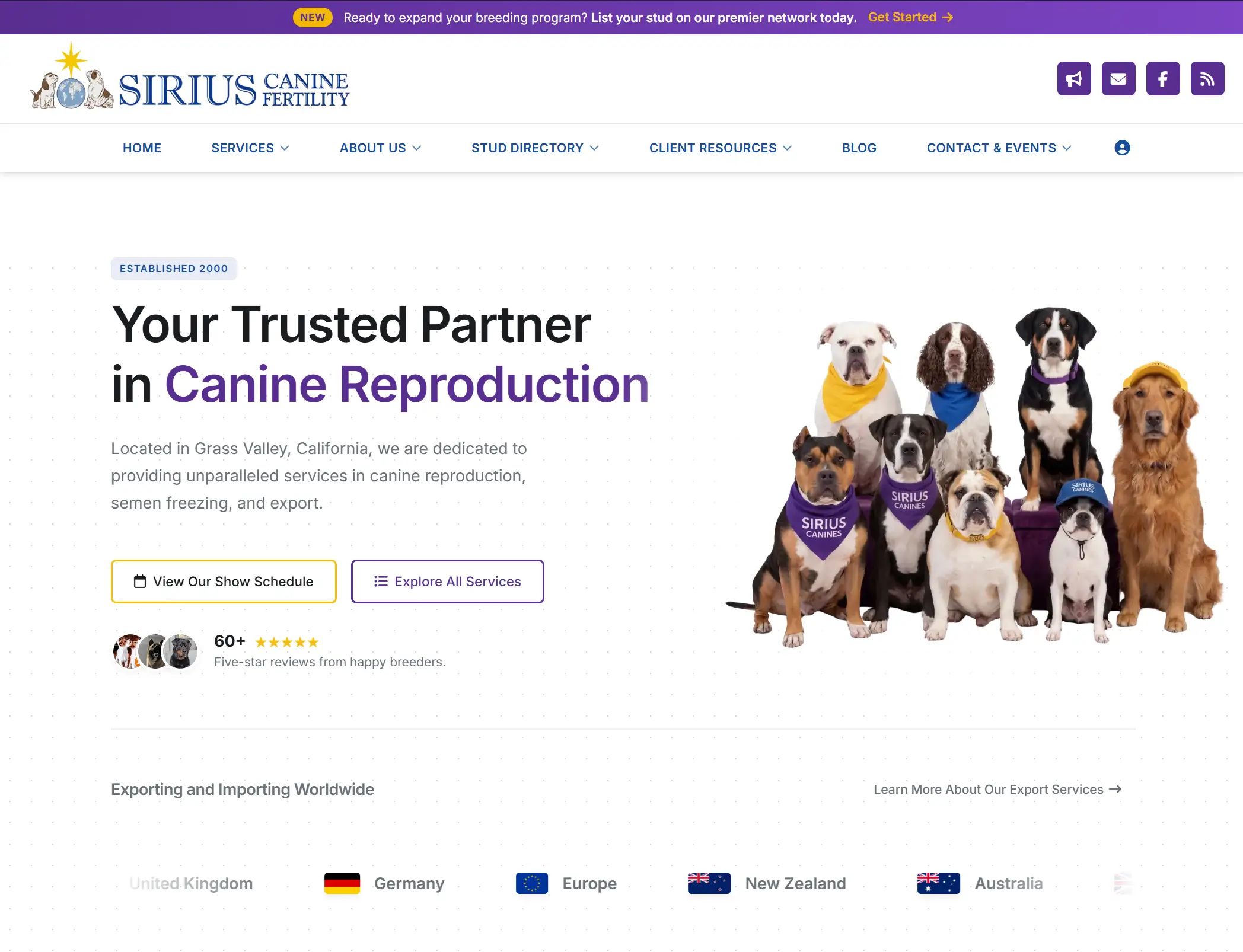
Sirius Canine Fertility
A complete website rebuild, service-page SEO overhaul, and custom customer dashboard for a canine fertility and semen storage facility with inventory, shipment, collection, PDF, and admin workflows built around the business.
View case study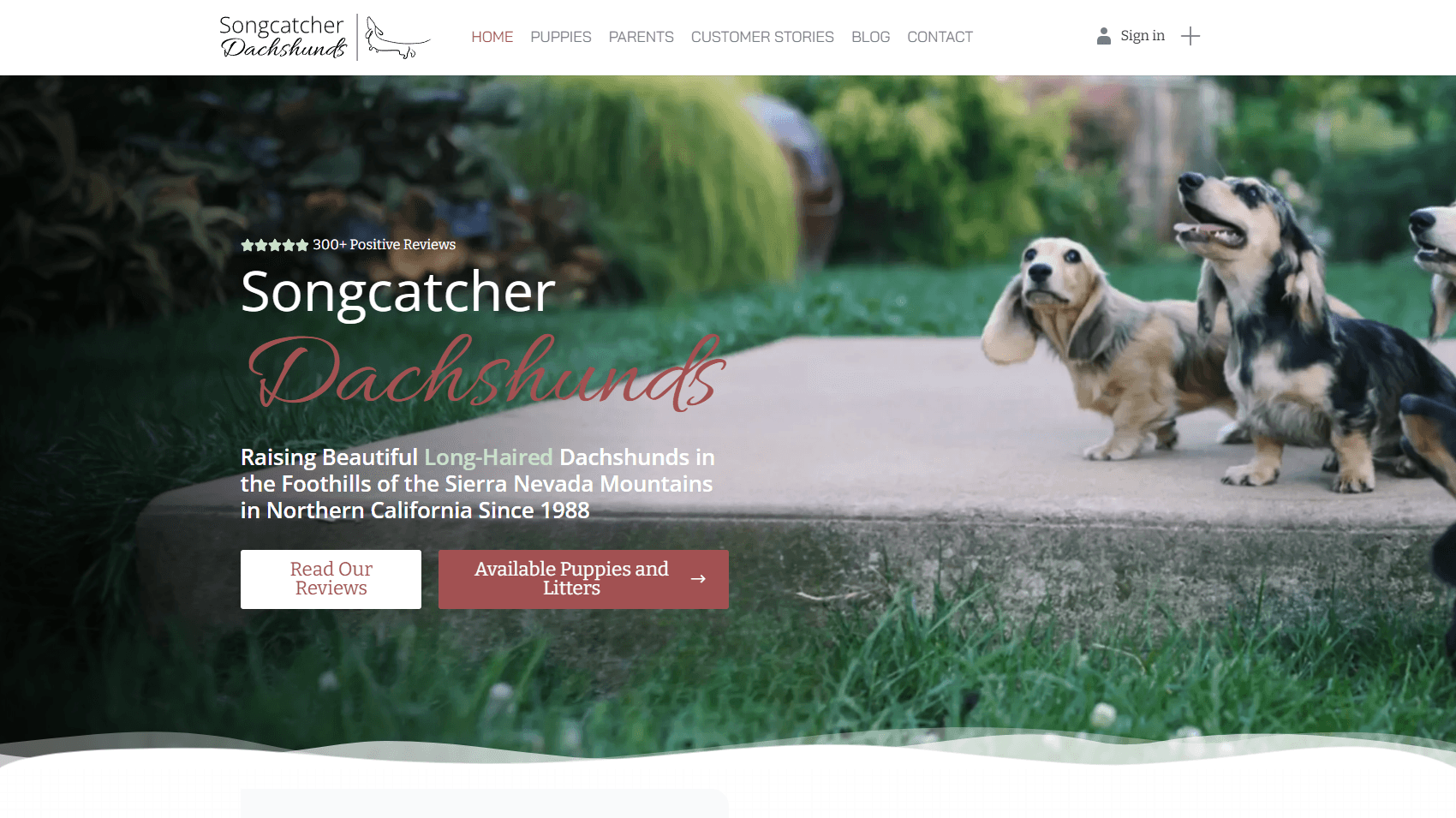
Songcatcher Dachshunds
A full website rebuild for a multi-decade dachshund breeder — paired with a custom puppy management system, automatic Facebook posting for new litters, and a built-in owner community where past puppy families share updates and reviews.
View case study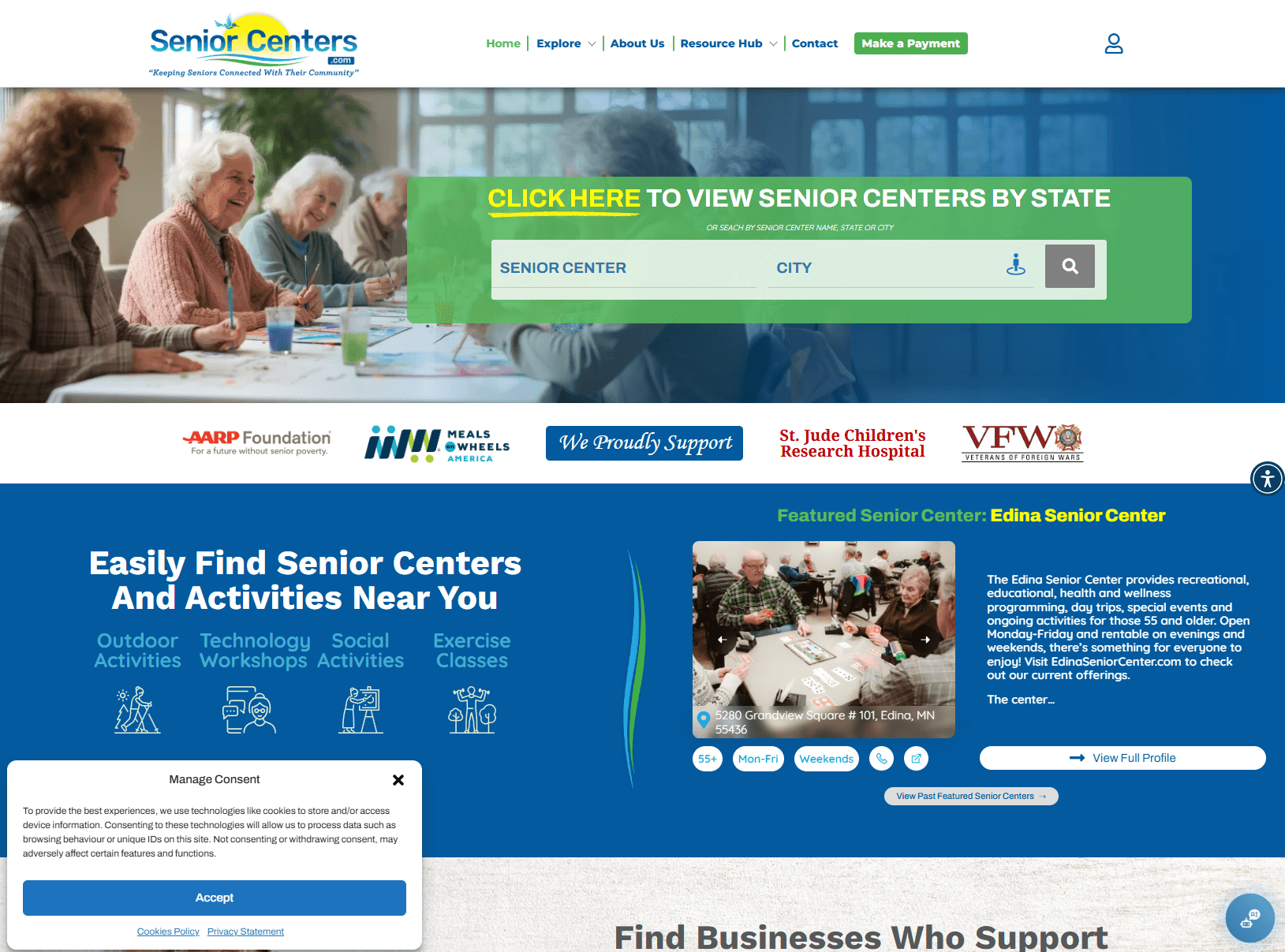
SeniorCenters.com
A two-year SEO and product build for a senior services directory — grew organic traffic to a peak of 30,000+ visitors per month, sustained at 15,000–20,000 monthly. Includes a custom billing dashboard, online payments, and a purpose-built ad management system for advertisers.
View case studyKeep exploring the topic.
Questions buyers usually ask.
Should I build a custom portal or use off-the-shelf software?
Use off-the-shelf software if your workflow is standard and your team can adapt to the tool. Build custom when the workflow, permissions, integrations, or client experience are specific enough that generic software creates more work.
What should version one include?
Version one should solve the highest-friction workflow first. For many service businesses that means login, client profile, request form, status tracking, files, notifications, and an admin view.
Can a portal include payments?
Yes. Payments can be handled through secure providers such as Stripe, either directly in the workflow or through invoice/payment links depending on the scope.
Can this connect to my existing tools?
Often, yes. A portal can connect to CRMs, payment tools, email platforms, storage, calendars, or custom databases. The right approach depends on which system should own the data.
Ready to get started?
Tell us about your project. We’ll come back with a clear plan and an honest timeline.