
Website Maintenance That Matters: A Monthly Checklist for Service Businesses
A focused monthly website maintenance checklist for service businesses — security, backups, performance, SEO, and the habits that keep a site working.
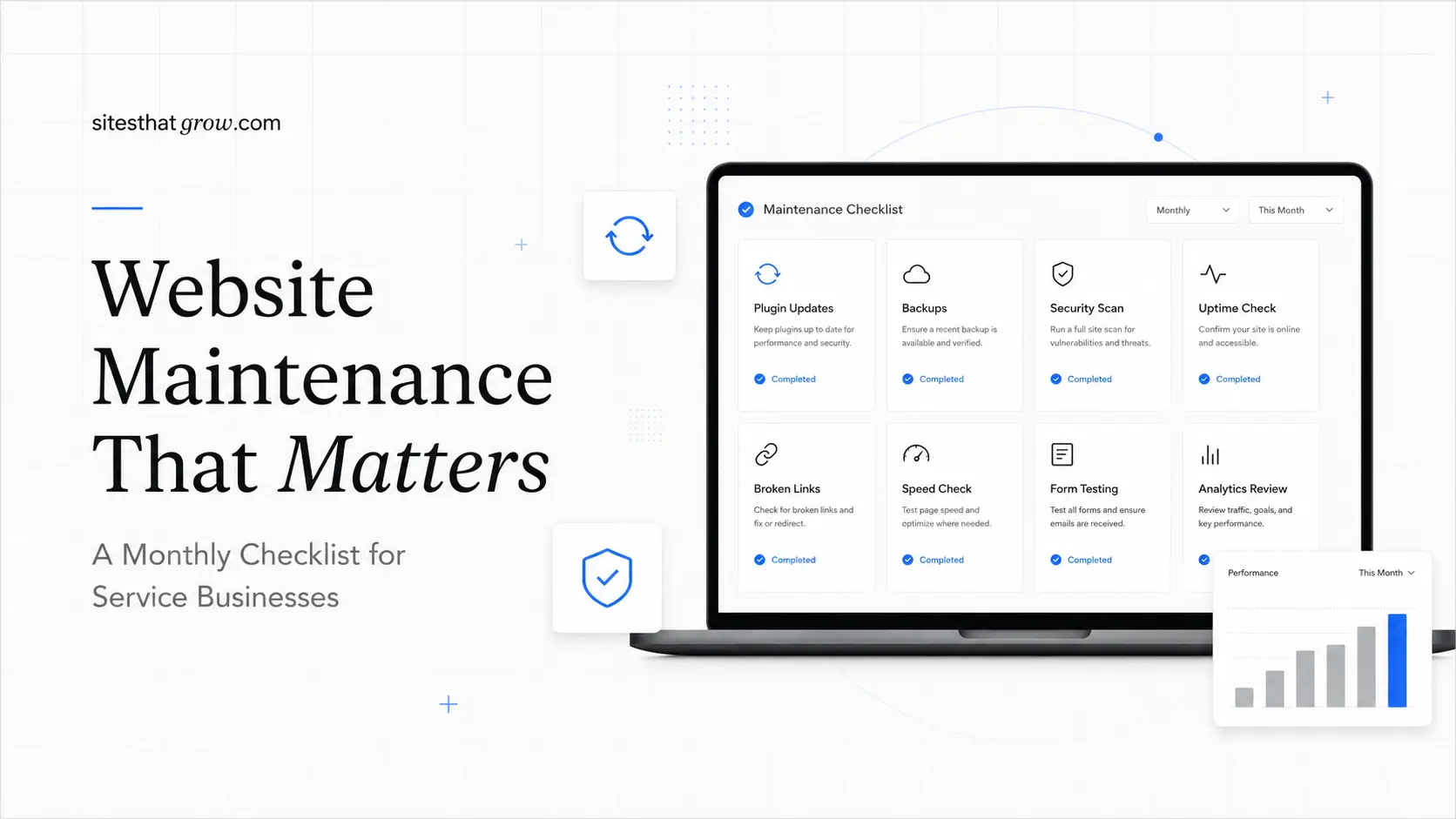
Most small business websites do not fail in dramatic ways. They drift. A plugin gets out of date. A form quietly stops sending. A backup job fails without telling anyone. A redirect breaks. The site keeps "working" for months until a customer mentions that the contact page hasn't been loading, and you realize it has been broken since February.
Website maintenance is the unglamorous work that prevents that drift. It does not need to be daily, and it does not need to be expensive. For most service businesses, a focused monthly pass covers 90% of what matters, with a few items handled weekly and a smaller set handled quarterly.
This is the checklist we run for clients on a website care plan, and it is the same checklist you can run yourself if you have an hour a month and a calm afternoon.
Why "Set It and Forget It" Doesn't Work
The internet around your site keeps changing even when your site does not. Browsers update. Search engines change ranking signals. Hosting providers retire old PHP or Node versions. SSL certificates renew, or fail to.
The real cost of skipping maintenance is rarely a single big incident. It is slow degradation: speed creeps up because images grew, forms stop submitting because a token expired, rankings slip because old pages are now thin, and hosting bills climb without anyone noticing.
A monthly review is cheap. The recovery from any one of those issues is not.
Security: The Non-Negotiable Layer
Security is the part of maintenance that people most often outsource and most often misunderstand. You do not need a SOC; you need a small set of habits.
Each month, confirm:
- Core platform, framework, and dependency updates have been applied (CMS, Node packages, plugin or extension updates).
- SSL certificate is valid and auto-renews. If you use Let's Encrypt, check that the renewal cron has run successfully in the last 30 days.
- Admin accounts still belong to current employees. Remove anyone who left.
- Multi-factor authentication is enforced on the CMS, the hosting account, the domain registrar, and the email tenant.
- Any service tokens or API keys that should have been rotated are rotated.
If you are on WordPress or another plugin-heavy stack, this is also where you scan for plugins that have not been updated in over a year. Abandoned plugins are how a lot of small business sites get compromised.
Backups: The Boring Insurance Policy
A backup is only useful if it is recent, complete, and restorable. Two of those three are easy to skip.
Each month:
- Verify that backups ran successfully on every scheduled day.
- Confirm both the database and the file system are included.
- Check that backups are stored off the production server. A backup on the same server as the site is not really a backup.
- Once a quarter, do an actual restore test on a staging environment. If you have never restored a backup, you do not know if it works.
For sites we host, we keep daily backups for 30 days and weekly snapshots for longer. For client sites we maintain on third-party hosts, we add a separate off-host backup so we are never one provider's bad day away from losing the site.
Performance: Catch the Drift Early
Performance does not collapse overnight. It slips a little at a time as images grow, scripts pile up, and templates accumulate features.
Each month, run a check against the key templates:
- Homepage.
- Top-converting service page.
- Top blog post or resource page.
- Contact page.
Use PageSpeed Insights or another Core Web Vitals tool, and look at the field data, not just the lab data. Google's web.dev guide to the Core Web Vitals is the source of truth for what these metrics mean and how they are calculated.
You are watching for:
- Largest Contentful Paint creeping above 2.5 seconds.
- Interaction to Next Paint above 200 ms.
- Cumulative Layout Shift above 0.1.
- A new render-blocking script that wasn't there last month.
- Images that are larger than they need to be (a 4 MB hero image is not unusual on neglected sites).
If anything slipped, fix it this month. Performance debt compounds.
Broken Links: The Small Trust Killer
Broken links are the easiest item to ignore and one of the easiest to fix. They are also a visible sign of neglect to a careful customer.
Each month, run a site-wide link crawl, prioritize internal links, and check outbound links to your own service pages and resources. If a partner site changed your URL, fix the redirect. Fix or redirect every broken link before publishing anything new.
SEO Health: Small Adjustments, Compounded
A monthly SEO check is not a rewrite. It is a status review, with one or two small improvements.
Each month, in Google Search Console:
- Review the Coverage report for new errors, especially on important pages.
- Check the Performance report for pages that lost impressions or clicks compared to the prior month.
- Confirm the sitemap is current and being crawled.
- Look at the top queries the site is showing up for. If the site is ranking on page 2 for something useful, that page might be one improvement away from page 1.
This is also a good moment to revisit the SEO-friendly redesign checklist for any page that has slipped, and to double-check that helpful-content principles are reflected in your service pages, using guidance from Google's helpful content documentation.
Analytics: Look at the Numbers That Drive Decisions
Analytics gets reviewed less often than it should because most dashboards are noisy. Strip the review down to a few questions.
Each month:
- How many leads did the site generate (forms, calls, bookings)?
- Which pages drove those leads?
- Which sources sent the visitors who converted?
- Which pages have high traffic but low conversion?
- Which pages have low traffic but high conversion (and could probably get more traffic)?
If a high-converting page lost traffic, that is a priority. If a high-traffic page never converts, it might be the wrong page or the wrong call to action.
A monthly numbers review takes 20 minutes if your tracking is set up correctly. If it takes longer than that, the tracking probably needs work, not the dashboard.
Content Freshness: Keep What Works, Retire What Doesn't
Service businesses do not need to publish constantly. They do need to keep important pages current.
Each month, pick one or two pages and update them:
- Service pages: confirm pricing language, included scope, examples, and process are still accurate.
- Project or case study pages: add a recent project or refresh an older one with new outcomes.
- About page: update the team, the year, and the story if anything has changed.
- Blog posts ranking on page 1 for important queries: add a new section, refresh examples, update internal links to match your current services.
You can also use this slot to add a new resource. We have written about client portals and AI automation workflows as examples of resource posts that compound in value over time when they get periodic updates.
Hosting and Service Costs: A Quick Monthly Glance
Hosting and SaaS costs creep up. Vendors raise prices, plans get auto-upgraded, and "we'll review it next quarter" becomes "we forgot."
Each month, glance at the hosting invoice, your Microsoft 365 or Google Workspace user count, recurring tools you may no longer use, and any domain renewals in the next 90 days. A quick check beats discovering a $200 monthly bill for a tool nobody has logged into since last summer. We have moved several clients off overpriced legacy hosts as part of hosting and migration projects, and the savings often pay for the migration in the first year.
A Realistic Monthly Cadence
If you want the short version, this is the rhythm:
- Apply security updates and verify SSL.
- Confirm backups ran and are stored off-host.
- Run a Core Web Vitals check on key templates.
- Crawl for broken links and fix them.
- Review Search Console coverage and performance.
- Review analytics for leads, conversion, and notable changes.
- Update one or two important pages.
- Glance at hosting and SaaS invoices.
That is roughly 60 to 90 minutes a month for a small site, more for a larger one. The work is mostly small. The benefit is a site that does not embarrass you when a customer or a search engine looks closely.
When to Bring in Help
A monthly checklist is well within reach for a disciplined owner or office manager. The reason most small businesses outsource it is not difficulty, it is consistency. The check does not happen, then it does not happen for three months, then something breaks.
Sites That Grow handles ongoing maintenance for clients on a care plan, and we have done it long-term for clients like the Senior Centers project, where steady monthly attention has kept the site, automations, and integrations quietly working for years. If you would rather know that the boring work is being done than do it yourself, that is what a care plan is for.
More posts from the blog.

From Contact Form to CRM: The Minimum Lead Pipeline Every Service Business Should Automate
A practical lead pipeline for service businesses: connect forms, calls, email, CRM records, reminders, follow-ups, and reporting so good leads stop disappearing.

The 2026 Website Content Refresh Playbook: Updating Old Pages Without Breaking SEO
A practical content refresh process for small business websites: how to update stale pages, preserve rankings, improve AI search visibility, and avoid SEO mistakes.

The AI Chat Widget Decision: When It Helps Leads and When It Hurts Trust
AI chat widgets can qualify leads and answer common questions, but they can also slow the site, invent answers, mishandle privacy, and damage trust. Here is how to decide.
Keep reading?
More field notes from building modern websites and software for real businesses.